
Your AI staff writes
a new post every day
Topics that fit your business and area, written with photos and published at your time — with the sitemap and search pings taken care of.
Included with paid plans1 post a day by defaultNo AI credits used

Switch it on — this happens every day
No more blank pages — posts that fit your business and customers keep adding up.
Your own topics and keywords go first; when they run low, topics that fit your business and area are added.
A full post with headings and an FAQ, in your site’s language, linking to your other pages.
A cover photo and an in-post photo from Pexels — never the same one twice.
Published at your time, sitemap and RSS updated, and Naver and Bing told right away.
It doesn't stop at launch. We bring customers to you.
From the day your site goes live, a real blog post written for your business is published every day. It shows up in Google search, and readers click through to your site to get in touch or book.
- Business analysis & keywords
AI reads your site — services, area, customers — and plans topics around what people actually search for. You can add your own keywords too.
- One post a day, written like a person
At the time you choose, a full post with headings, photos and FAQs goes live. Edit it, change photos or pause anytime in your admin.
- Indexed on Google
Your sitemap and RSS update instantly and search and AI crawlers are welcome, so new posts get discovered fast.
- More visits and inquiries
Readers who find a post in search land on your site, and every post leads naturally to your contact or booking page.
Make it yours
Change these in Admin > Blog (daily auto posts). Changes apply from the next post.
Pause any time and pick up where you left off.
Choose the time and days. The default is 10:00.
Add what customers search for and the topics you want — they’re written first.
Describe a voice like “friendly owner, plain words”.
Edit or hide any post, and publish your own.
Add the blog to your site menu and name it.
Built to be found
What happens on its own, and what you set up once.
Automatic
- Sitemap and RSS update with every new post
- New posts are sent to Naver and Bing right away
- Each post has a search description, keyword and clean address
Set up once
- Add your site to Google Search Console and submit the sitemap
- Register with Naver Search Advisor and submit the sitemap and RSS
- Step-by-step help is in Admin > Blog > Search engines
Topic ideas by business
Examples only — real topics follow your business, area and keywords.
- Three things to check when buying pour-over beans
- Weekend brunch without the wait
- Pairing coffee with dessert

- Grade 8 math: two weeks before the test
- Practising written answers
- What to ask at a consultation
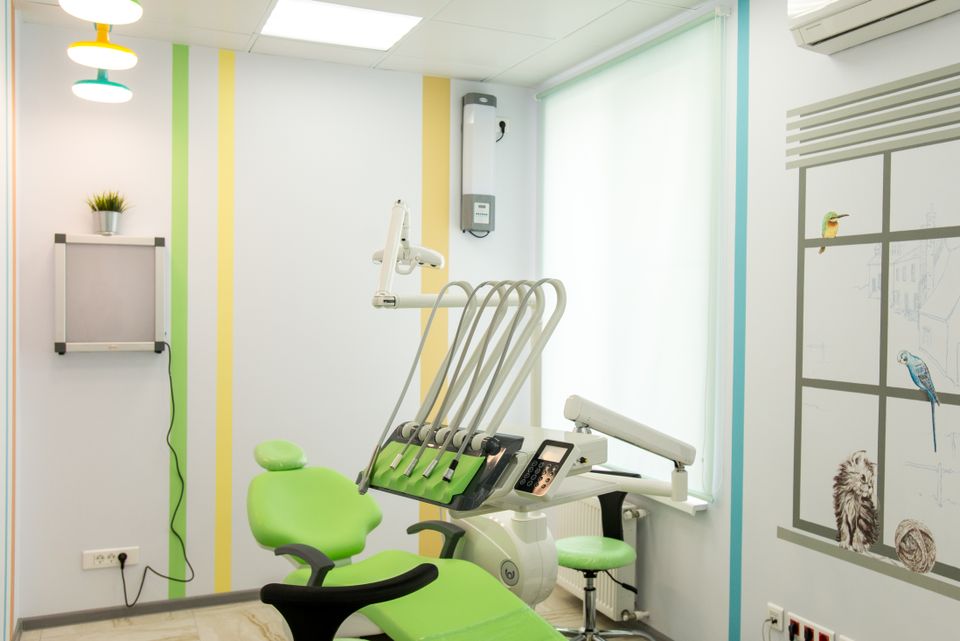
- When should a child first see a dentist?
- Three things before your first Pilates class
- What to prepare before booking

- Making a small living room feel bigger
- What to prepare before a quote
- What decides how long a project takes
Want more? Blog Plus
Up to 3 posts a day, each at its own time.
- Per website
- Monthly card auto-pay in KRW, PayPal in other currencies
- Cancel any time — it stays until the period ends
Questions
How many posts a day?
1 a day by default. Blog Plus raises it to 3 a day.
Which language are posts written in?
Your website’s language — Korean, English and Japanese sites all work.
Does it use AI credits?
No. The auto blog doesn’t use AI credits.
Will it make things up?
Posts are written without inventing prices, credentials, reviews or statistics. You can edit or hide any post at any time.
Where do the photos come from?
Pexels photos are used for the cover and inside the post. Swap the cover for your own in the post editor.
I want to pause it.
Switch off [Publish a post every day] in Admin > Blog > Auto posting. Switch it back on to continue.
Does it work for sites made on Free?
Yes — start a plan, then switch it on in Admin > Blog.
Auto blog guides
All guidesLet your blog grow, starting today
Your blog comes ready with your website.