
Mobile Website Design Standards and Practical Tips to Reduce Smartphone Bounce Rates
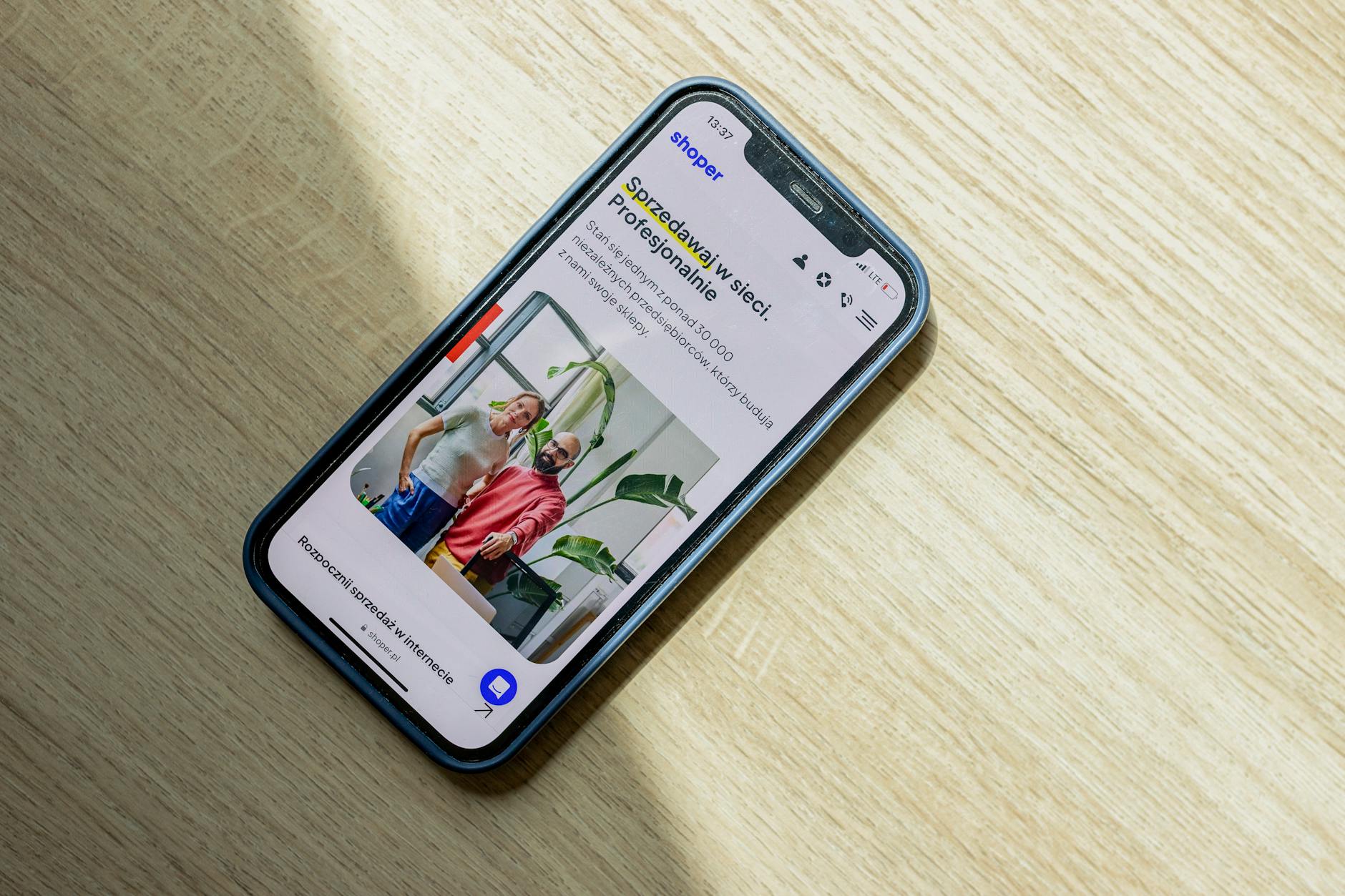
Photo: Shoper .pl · Pexels
We have all experienced the frustration of opening a store's website on a smartphone only to find the text too small or buttons impossible to tap accurately with a thumb. Simply taking a desktop-optimized site and shrinking it for mobile frequently results in broken text and messy layouts. In many industries today, mobile traffic exceeds 80 percent, meaning that failing to retain visitors on these smaller screens is equivalent to turning away paying customers. Let us examine the mobile website design standards that deliver immediate results in a smartphone environment.
Dwell Time Is Decided on the First Screen
Because mobile screens offer less space than desktops, users must be able to understand what your business offers within one second of landing on the site. If visitors have to scroll extensively just to find a menu or contact information, they will likely feel annoyed and immediately tap the back button. The initial view should prominently display core phrasing that clearly identifies your industry alongside key action buttons, such as reservation or phone call links.

Thumb-Friendly Button Placement
Designers must account for the fact that people primarily operate smartphones using their thumbs. Placing crucial buttons in top corners makes one-handed operation awkward and uncomfortable. When executing mobile website design, anchoring buttons for booking, inquiries, and phone calls at the bottom or center of the screen where fingers naturally rest is the most effective approach. Button dimensions should also be generous enough based on an average adult finger to minimize misclicks.
Typography and Line Breaks for Enhanced Readability
Font sizes that look adequate on a desktop often appear microscopic on a mobile device. Body text should maintain a minimum size of 16 pixels, and line spacing must be generous to prevent eye strain. Because long paragraphs form dense blocks of text that deter readers on smartphones, breaking up paragraphs every two or three lines is recommended. Core points can be organized as follows:
- Body text size of 16 pixels or larger, with distinct weight and size differences for headings
- Wide button areas that include adequate padding
- High contrast between background and text colors to ensure visibility even under direct sunlight
- Lightweight images that load quickly without distortion on high-resolution smartphones
Speed and Layout Shift Prevention
No matter how sophisticated the design is, visitors will leave if a page takes longer than three seconds to load on a smartphone. Heavy files or resource-intensive visual effects cause significant delays on mobile data connections. Images should be properly compressed before uploading, and the layout must remain stable to prevent content from jumping up and down as text loads before imagery. Reviewing mobile website design always requires accessing the site directly on your own smartphone to verify touch responsiveness and scrolling smoothness.
If manually adjusting every optimization element feels cumbersome, utilizing a system that natively supports smartphone ratios and responsive layouts from the start is a practical alternative. To build a site tailored to your business without coding knowledge while maintaining a stable smartphone environment, check out the AI website builder page. Details regarding plans and capabilities are available on the pricing guide.
Put it into practice
Describe what you need and your website is ready in minutes, with blog marketing running every day.


