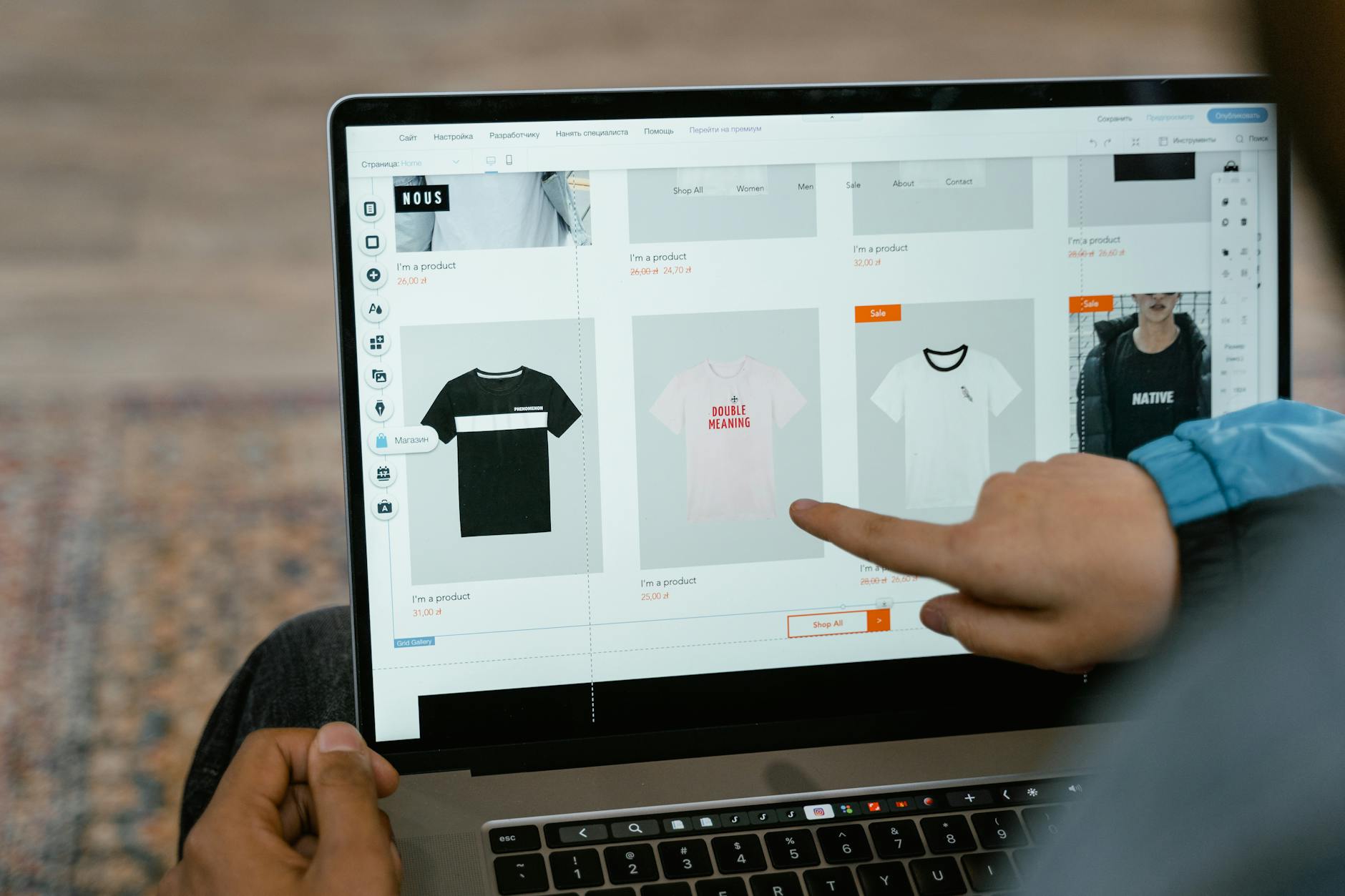


How to Create an AI Product Detail Page with Just a Few Photos

Photo: Kampus Production · Pexels
One of the most daunting moments when launching an online store is filling out the pages that showcase your products. By utilizing AI product detail page generation features, you can quickly and easily create compelling shopping mall pages using just a few product photos. Even if you do not know how to use separate design programs or write code, you get practical results ready for real-world use. Here is the most realistic way for solo operators and small business owners to save time and resources while focusing entirely on sales.
Key Terms
- AI Product Detail Page: An e-commerce feature where artificial intelligence automatically constructs layouts and copy based on your product photos and basic information.
- Website Builder: A tool that lets you arrange and edit elements directly on the screen to build high-quality sites without coding knowledge.
- Solo Business Owner: A small-scale business format where an individual handles every stage from planning and production to marketing and sales.

Preparing Product Photos and Entering Basic Information
The foundation of a great detail page is intuitive and clear photography. Prepare a few product shots taken with a smartphone or camera, and jot down the key features or benefits of the product. The copy does not need to be overly grandiose. Sticking to factual details that customers genuinely want to know—such as size, materials, and usage instructions—is far more advantageous.
Based on the gathered materials, access the AI product detail creation tool, upload your photos, and select a style that fits your industry. These days, you can apply design tones that match your brand atmosphere, such as cinematic, minimalist, or tech, with just a few clicks, making it easy to maintain overall consistency. Since the AI naturally organizes photo colors and layout order, you significantly cut down on the time wasted agonizing over design arrangements.
Refining Copy and Layout Adjustments
After reviewing the automatically generated draft, you should fine-tune the details to match your brand and merchandise. Occasionally, certain AI-generated phrases may need tweaking. In such cases, simply click the area you want to change on the screen and leave a direct edit request in the chat window to apply it immediately.
For example, sections like pricing, shipping info, and FAQs often require real-time updates. You can modify text boxes directly in the admin mode or prompt the agent in conversational language to see updated screens within seconds. A previous version rollback feature is also available, allowing you to work with peace of mind even if mistakes occur during the editing process.
Common Mistakes When Creating Detail Pages
Many people try to cram too much information into a single detail page. If the text count becomes excessively high, customers struggle to grasp the core message, leading to higher bounce rates. Establishing a visual flow centered around product photos and arranging only essential explanations concisely is the shortcut to boosting conversion rates.
You must also verify how the page looks on mobile screens. Because most customers shop via smartphones these days, do not stop at how pretty it looks on a PC; cultivate the habit of thoroughly checking mobile readability and button placements.
Linking Payment and Starting Sales
Once your design and copy are completed to your satisfaction, it is time to connect a payment system for actual purchases. Integrate convenient payment methods for your customers, such as card payments or bank transfers, and set up your admin page to view order histories and inquiries at a glance.
Once the basic skeleton of your online store is solidly established, check out automated blog publishing functions and search engine optimization settings to boost visibility on search engines. When detail page creation connects seamlessly with marketing, you can finally expect steady traffic and revenue growth.
If you want to open your online store quickly without worrying about complex design work or outsourcing costs, explore AI Website Building, where you can complete everything from design to payment using simple prompts. Detailed usage guides and examples by industry are available directly on the Created Site Examples page.
FAQ
Can I create a detail page without any design or coding skills?
Yes, with just a few photos and basic product information, AI automatically configures the layout and design, allowing anyone to build high-quality pages without professional knowledge.
Can I change the copy or design of the completed detail page later?
Yes, you can easily click the desired area on the finished screen and request changes via chat or modify text and images anytime in the admin mode.
Put it into practice
Describe what you need and your website is ready in minutes, with blog marketing running every day.