
Building a Fitness Center AI Website: How to Choose a Stunning Style
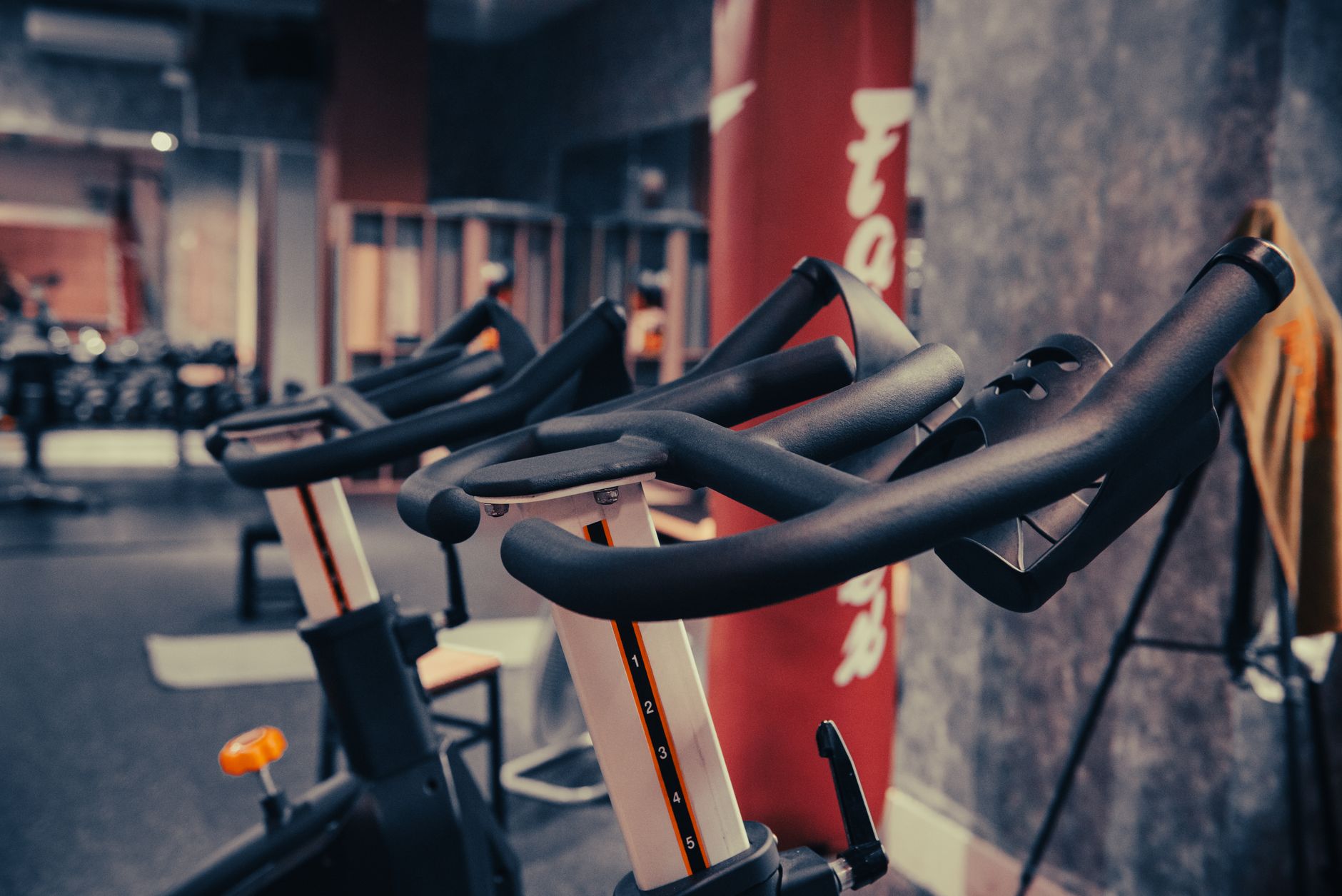
Photo: KIEU TRUONG · Pexels
Running a fitness center means you have top-tier equipment and fantastic workout programs, but showcasing that atmosphere online to prospective members can be tough. Instead of hiring an outside agency and spending weeks and money, many business owners are now trying out AI website builders to capture the exact look and feel they want.
Choosing a Stylish Aesthetic for a Great First Impression
When visitors land on your site via smartphone or desktop, they should understand your vibe within three seconds. A fitness center does not automatically need to use the exact same standard blue gym palette. Tailoring the overall mood to match the specific tone of your classes works much better.
- Cinematic Style: Features dark backgrounds with striking lighting and a dynamic tone, making it ideal for personal training or high-intensity workout studios.
- Minimalist Style: Utilizes plenty of whitespace and clean fonts to create an organized, serene feel for yoga, pilates, or 1-on-1 rehabilitation studios.
- Tech Style: Highlights modern workout gear or data-driven tracking programs for a smart, cutting-edge atmosphere.
Mentioning these vibes when you first type your business type and desired mood into the initial prompt helps establish the design framework quickly. Once you settle on the right mood, the detailed wording and layout flow together naturally.
Tips for Using Your Photo and Video Library to Catch Members' Eyes
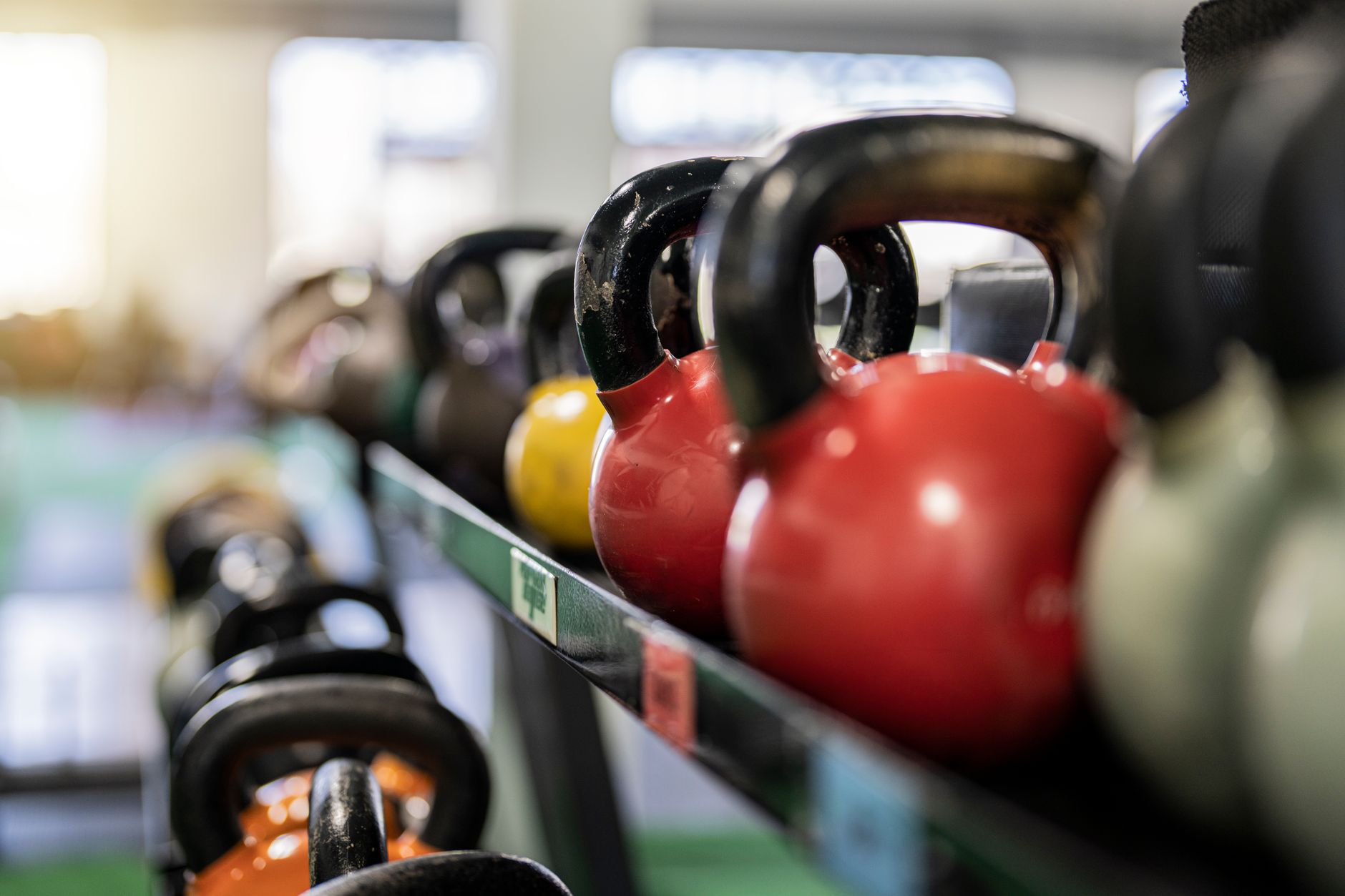
Visual materials are ultimately what convince people to book an in-person consultation. Real photos of your workout space, equipment, and actual classes carry far more persuasive power than fancy words. Gathering high-resolution images in your media library and placing them in the right spots is crucial.
| Space & Asset Type | Recommended Placement | Effect |
|---|---|---|
| Center Exterior & Machine Lineup | Upper Section of the Main Homepage | Emphasizes the grand and professional scale of the facility |
| Active Classes & Stretching Room | Program Introductions & Facility Guide | Conveys a lively on-site atmosphere and builds a welcoming vibe |
| Locker Room & Shower Cleanliness | Near Amenities & Directions | Builds trust with hygiene-conscious prospective members |
Beyond uploading your own photos, you can simply chat with the agent on your site screen to insert images exactly where you need them. Managing your site becomes effortless since you can swap out photos or rearrange menu orders without tracking down a developer every time.
Final Checks for Search Visibility and Inquiries
When locals search for a workout space on Google or Naver, your center needs to stand out immediately to make an impact. Once the site is complete, features that automatically generate industry-appropriate content and boost search visibility help gather steady visitors. The key is organizing the visitor pathway so that readers turn smoothly into consultation applicants or trial bookers.
If you want to easily polish your online presence despite a busy schedule running your center, check out AI website creation to build your unique space first. Detailed information on features and layouts is available on the pricing details page.
FAQ
Can I change the design later to match a new fitness center vibe?
Yes. Simply click on the section you want to modify on your completed site and chat with the system to instantly update the design, colors, or text.
Do I need to upload all the equipment and interior photos myself?
You can upload your own high-resolution photos to your library and place them in any section, or use suitable imagery to style the pages as needed.
Are there specific settings required for better search engine visibility?
Structured data and default settings for search exposure are applied automatically, and you can steadily manage search traffic on Google and Naver through published blog posts.
Put it into practice
Describe what you need and your website is ready in minutes, with blog marketing running every day.


