Turn a Single Selfie into a Studio-Quality Portrait with AI Profile Photos

Photo: kaboompics · Pexels
Using AI profile photo features allows you to achieve high-quality personal portraits and professional pictures using just a selfie, without visiting a studio or spending a fortune. This is an extremely useful method when you are a solo entrepreneur or freelancer who needs appealing promotional photos. Many people turn to this approach because they can skip the hassle of scheduling studio appointments and traveling during a busy daily routine, resolving everything with a single photo on their smartphone.
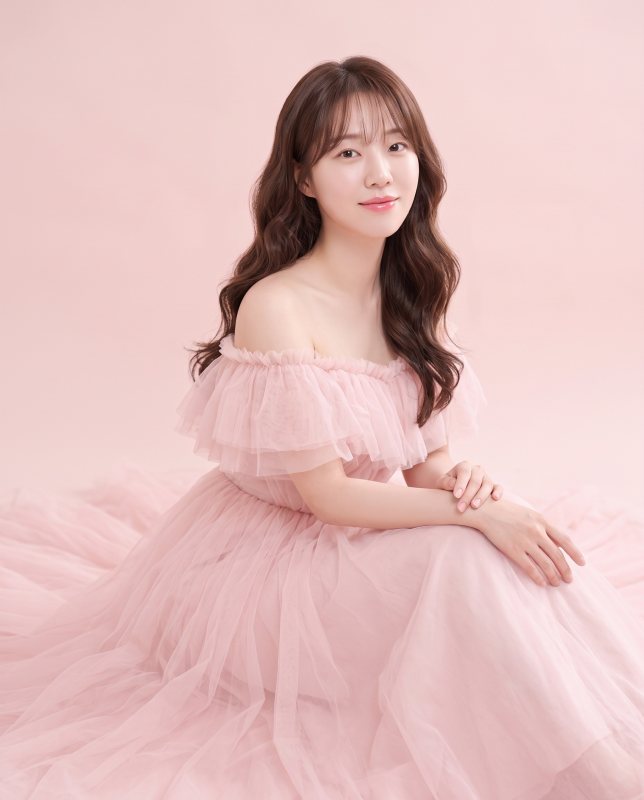
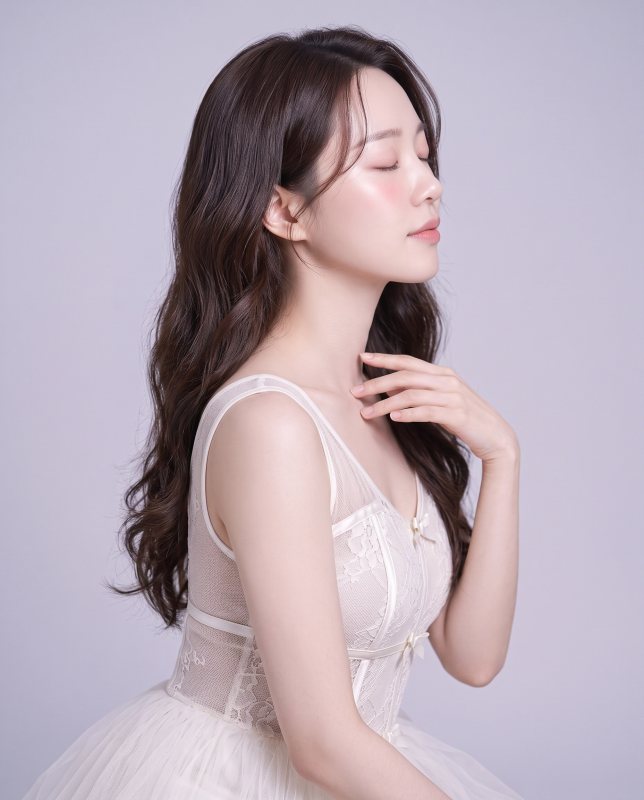
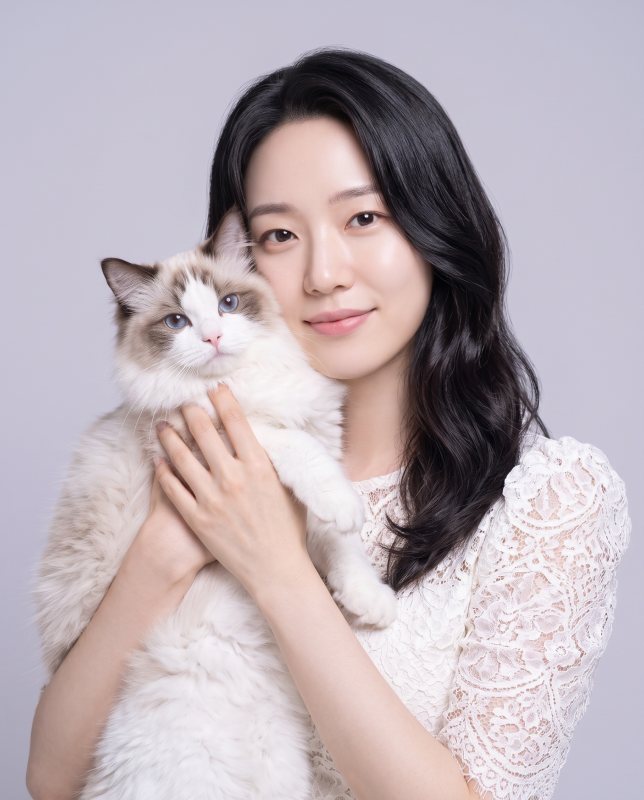
When preparing for a personal photoshoot or a conceptual session, the biggest concerns are usually outfits, makeup, and the studio atmosphere. However, by using an AI profile photography service, the entire process is handled in an instant simply by uploading one photo and selecting your desired style. You can choose two to four styles that match your vibe from various concepts such as pastel pink, balletcore, with cats, dreamy close-up, bridal veil, black mood, and city view.
AI Profile Photography Glossary
- Personal Portrait: Studio photographic results shot with a set concept that best highlights your charm.
- AI Profile: An image created by artificial intelligence analyzing the user's facial features to look like a studio photoshoot, without actual shooting.
- Credit: A dedicated payment method used within the service when utilizing AI features or photo sessions.

Criteria for Choosing a Selfie Without Failure
To improve the completion level of the result, selecting the initial source photo is the most critical step. It is best to prepare a selfie where facial features are clearly visible without being covered by hats or sunglasses. Photos with overly dark lighting or blur can make it difficult for the AI to accurately read facial features, leading to awkward results. Sticking to the rule of using only photos of yourself or someone who has given permission, pick a clean, front-facing photo from your smartphone gallery.
| Style Type | Recommended Vibe | Matching Purpose |
|---|---|---|
| Pastel Pink / Balletcore | Soft and bright feel | Personal SNS, emotional profile |
| Black Mood / City View | Chic and professional feel | Business introduction, solo entrepreneur promotion |
| Dreamy Close-up | Original and deep atmosphere | Artist, freelancer portfolio |
Result Verification and Retouching Process
Once you select a style and submit the request, images are generated with naturally adjusted blemishes, face shapes, skin tones, lighting, and color tones, just like a direct studio shoot handled by a professional retoucher. You can easily pay for each preferred photo using cards or spend pre-charged AI credits. If there is any shortfall in the generated count due to system errors, credits are safely refunded, allowing you to proceed with peace of mind. The finished photos can be saved directly to your phone's gallery and applied immediately to your website, blog, or social media profile.
When running a website or branding yourself, the quality of your profile picture determines your first impression. If you want to effortlessly create sensory images without coding or difficult design knowledge, get started right away on the AI Profile & Portrait Photography page. If you are curious about more features and the overall website creation process, you can find detailed information at AI Website Building.
FAQ
What kind of photos should I upload when taking AI profile pictures?
It is best to use a front-facing selfie where your facial features are clearly visible without being blocked by hats or sunglasses. You may only use photos of yourself or individuals who have given their consent.
How many desired styles can I choose?
You can select 2 to 4 styles directly from various concepts such as pastel pink, balletcore, black mood, and city view to receive profile photos tailored to each unique vibe.
Put it into practice
Describe what you need and your website is ready in minutes, with blog marketing running every day.