Craft Studio Website Design: How to Handle Class Bookings and Product Orders in One Place
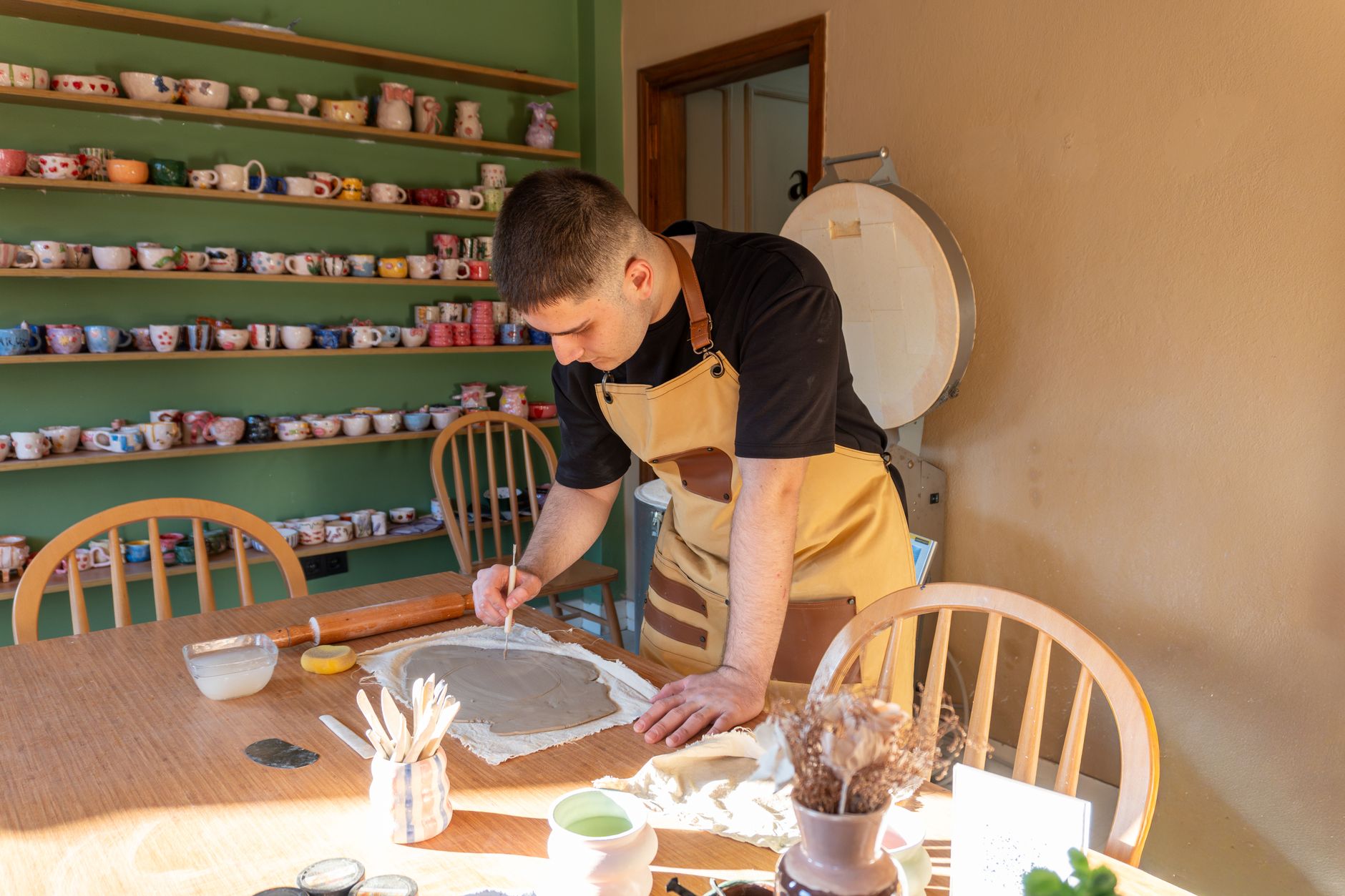
Photo: Onur Burak Akın · Pexels
Are you constantly busy running offline classes and crafting handmade items in your spare time? Managing student inquiries through Instagram direct messages or blog comments while manually sharing bank account details often leads to missed bookings and delayed payments. Building a dedicated craft studio website allows you to handle class reservations and finished product orders all in one place, significantly cutting down on repetitive administrative tasks.
Why the Homepage Matters in Craft Studio Website Design
Visitors to your studio website generally fall into two categories: those looking to sign up for a one-day workshop or regular class, and those wanting to purchase finished pieces. Therefore, the moment visitors land on your site, prominent menus and buttons should guide them directly to these two main destinations.
- Place clear class schedule checks and workshop registration buttons at the top of the homepage.
- Link your main product gallery and order guidelines in the footer or via a separate tab.
- Summarize essential visiting information such as studio location, operating hours, and parking details.
- Ensure reservation buttons remain fixed within thumb reach on mobile screens.
For solo business owners and artisans, learning how to code a website from scratch is rarely practical. By using an AI website builder, you simply type your business type, preferred aesthetic, and contact details into the initial prompt box, and a fully functional site complete with design, copywriting, photos, and a booking system is generated within minutes. You can directly request text edits or menu changes through a chat interface with the AI agent on the completed screen, saving valuable hours during daily operations.

Structuring Menus to Handle Student Recruitment and Product Orders Together
Because classes and retail products require different checkout flows and notices, dividing your menu clearly is recommended. Workshop sign-ups require refund policies and class capacity indicators, whereas finished product orders need options selection and shipping details.
| Category | Key Features | Essential Notices |
|---|---|---|
| Class Booking | Date and time slot selection, tuition payment | Refund policy, required supplies, duration |
| Product Order | Option selection, shipping address input, credit card and bank transfer | Production time, shipping fees, precautions |
| Inquiry Board | Group class inquiries, custom order consultations | Response time, available hours |
Integrating payment modules that support credit cards, bank transfers, and digital wallets prevents potential customers from leaving due to a lack of payment options. Notification alerts for new bookings and orders directly inside the admin dashboard help you manage your schedule without missing a beat.
Search Engine Exposure and Automated Blog Marketing After Launch
Building a website does not automatically bring in customers. You must continuously maintain search marketing efforts so prospective students searching for regional keywords combined with your craft type can discover your studio.
If you are a busy artisan without a strong background in copywriting, leveraging an automated blogging feature that generates industry-specific posts daily to improve search visibility on major engines is highly efficient. Creating a pathway where search visitors naturally transition into workshop applicants or product buyers helps you save promotional time and focus purely on your craft.
If you are currently exploring craft studio website design, check out the workflow at AI website creation, where you can complete a site using simple prompts without installing complex software and immediately begin search marketing. You can explore various industry examples and pricing options directly on the website examples page.
FAQ
Can a craft studio website accept class bookings and finished product orders at the same time?
Yes, by structuring separate menus and pages, you can simultaneously accept workshop applications and product orders. Credit card and bank transfer payment methods can also be integrated together.
Can I edit the site myself if I am not tech-savvy?
Yes, you simply click on the section you wish to change on your completed site and chat with the AI agent to instantly update phone numbers, prices, notices, and more.
Put it into practice
Describe what you need and your website is ready in minutes, with blog marketing running every day.