
Kids Coding and Robotics Academy Website: Prioritize Schedules and Trial Class Bookings

When parents drop off their children at an academy, the very first thing they check on their smartphones is today's lesson content and schedule. Amid busy daily routines, parents need to see programs and schedules at a glance and book trial classes directly through your academy website to keep enrollment growing. Build your kids coding robotics academy website yourself with SocketKits without any complex development.
What Parents Look for First on a Coding Robotics Academy Website
- Trial Class Bookings: A simple reservation feature allowing parents to check and apply if their child shows interest
- Schedules and Curriculum: Grade-specific and level-specific class times along with this semester's robotics coding content
- Academy Location and Inquiries: Public transit access, parking information, and an inquiry form for any questions
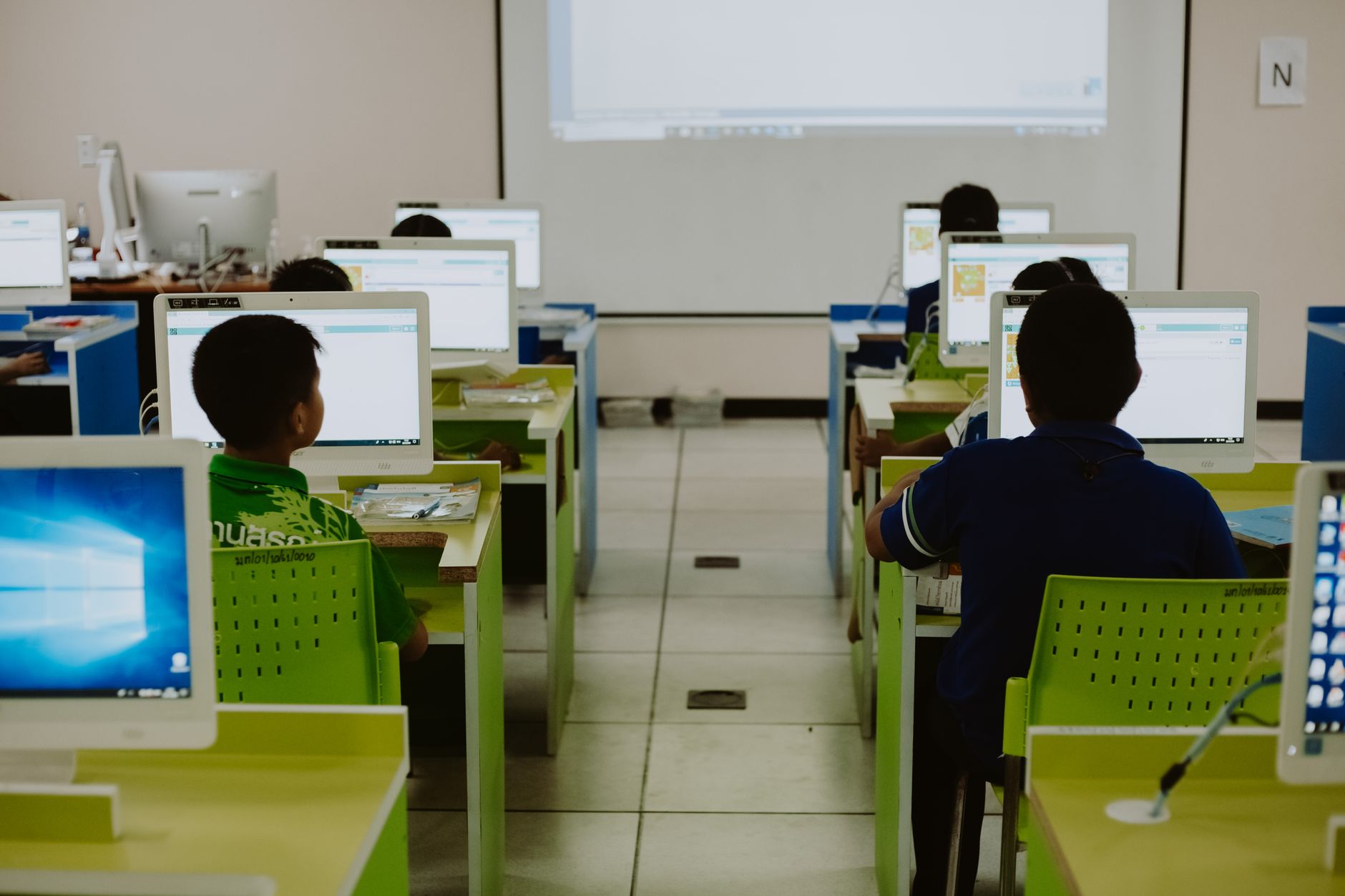
- Classroom Atmosphere and Space: Bright interior photos showing a safe and focused environment for children
Type This into the Initial Input Box
Our business name is "Brain Coding Robotics Lab." Please create a bright, sharp, tech-styled elementary and middle school coding and robotics academy website. Please configure it with five pages: Home, Programs, Curriculum, Schedules, and Trial Classes. For the main screen, please include a large photo of a child assembling a robot, followed by an academy introduction, this semester's programs, and a flow leading to trial class bookings.
Type the request above into the initial input box and choose a tech or minimal style to have your design, copywriting, and pages completed in just a few minutes.
Features Worth Enabling
Reservation and inquiry features are essential for a kids coding robotics academy. Enabling the trial class booking feature allows parents to pick their own dates and times to apply, reducing the hassle of scheduling over the phone. Also, enabling the inquiry form feature lets you receive detailed consultation requests in advance. You can easily turn them on and off from the admin dashboard after subscribing to a plan.
Editing and Managing Your Site After Creation
On the finished site screen, simply click the section you want to change and request updates through chat to instantly modify phone numbers, business hours, prices, and announcements. If you are not satisfied, you can revert to a previous version. From the admin dashboard, you can rearrange menu orders or upload photos directly from the image library. Beyond the provided default site address, you can connect your own domain to run the site professionally under your academy name.
Daily Automated Blog Topic Ideas
- Why elementary coding education should start with robot assembly
- Your child's first programming: essential curriculum criteria when choosing an academy
- Preparing for middle school coding performance evaluations at a robotics academy
- Coding and robotics completion: lesson processes that build children's critical thinking
Instagram Card News Topic Ideas
- Inside a robotics coding class where children bring robots to life with their own hands
- This semester's schedule and target grade guide
- Trial class reviews and frequently asked questions from parents
- Step-by-step program introductions for children new to coding
Templates for similar businesses
These are real example sites. Preview one, and if you like it, start with the same look by adding your business name.
- CodeCamp Kids Coding & Robotics · Coding and robotics classes for grades 1–9
- Bright English Academy Seoul · English for international kids in Seoul · schedule · level check
- Tinkerbay Lab · Robotics and Coding Maker School · Regular courses · Teachers · Class journal · Open showcase · Trial classes
- See all templates by business
FAQ
What subscription plans are available for building a website?
You can choose from Starter at 19,900 KRW monthly or 199,000 KRW yearly, Business at 39,900 KRW monthly or 399,000 KRW yearly, Agency at 600,000 KRW monthly or 6,000,000 KRW yearly, and AI Staff All-in-One at 110,000 KRW monthly or 1,100,000 KRW yearly. All features become available after subscribing to a plan.
How can I change the text or phone number on the completed site?
You can make instant edits on the finished site screen by clicking the section you want to change and sending a request through chat, or you can directly update page and section content using the input fields in the admin dashboard.
Put it into practice
Describe what you need and your website is ready in minutes, with blog marketing running every day.


