Small Business Website Design: Know-How on Placing Pilates Studio Timchedules and Membership Applications
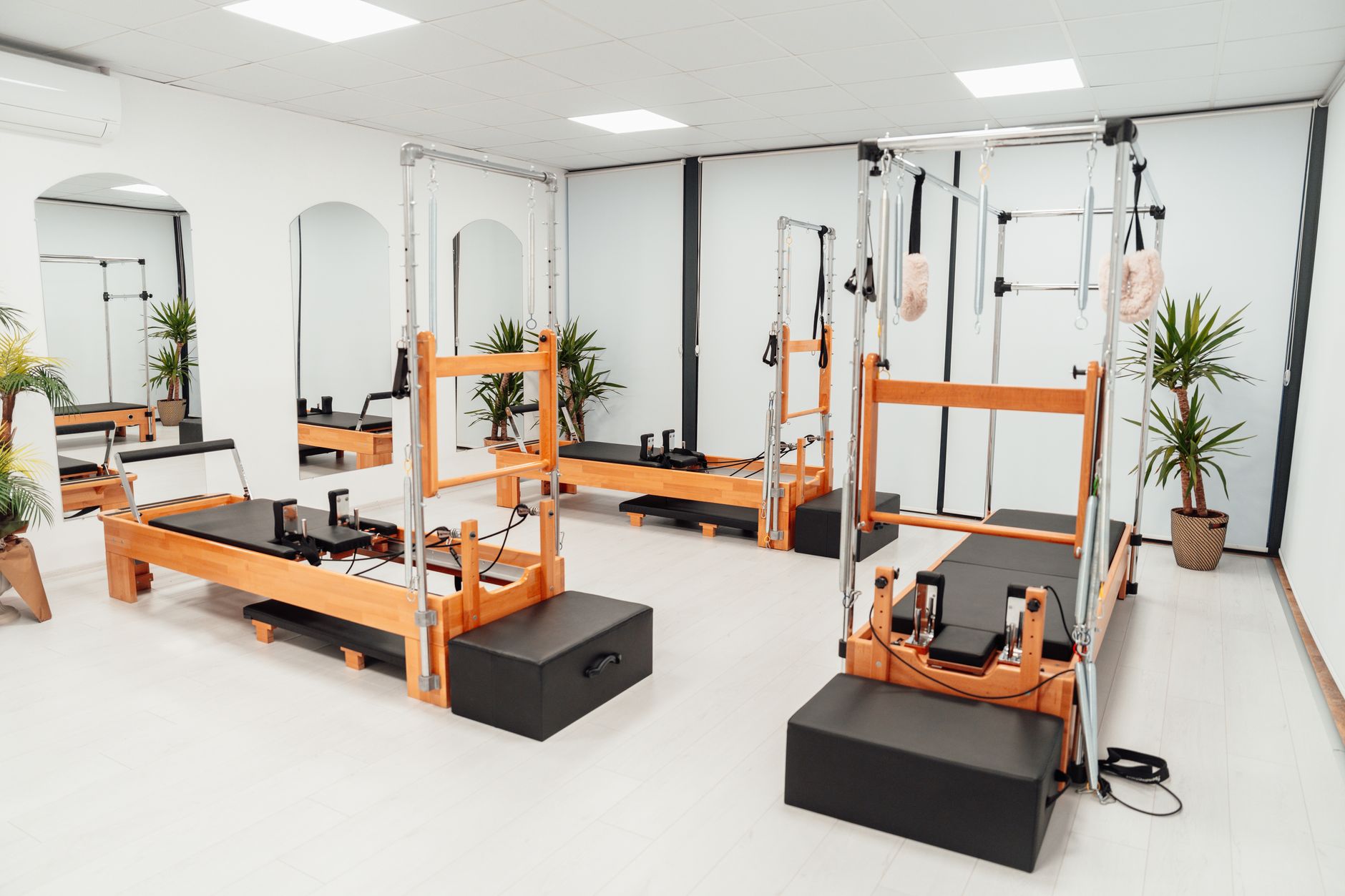
Photo: Ahmet Kurt · Pexels
When you open a Pilates studio website, what does the first screen look like? Taking inquiries for your center reveals that potential members almost always have the same core questions: class schedules, exact membership pricing, and registration steps. Making visitors click through multiple menus just to find this information inevitably drives up your bounce rate. This is precisely why essential details must be placed right where the visitor's eyes naturally land during the small business website design process.
Class Schedules Visible Directly on the Homepage
Students want to verify if a time slot fits their schedule before moving on to the next step. It is best to place the weekly schedule or remaining capacity per class near the top of the main page or in a spot visible without scrolling. Keep this priority in mind even when building a site using an AI website builder. Instead of long blocks of text, using a tabular format organized by day or instructor, or adding time-based filter functions on the homepage, significantly boosts intuitiveness. It is a vital tool that helps visitors quickly grasp how your studio operates.

Streamlining Membership Applications and Consultation Bookings
Once visitors check the schedule, pricing and registration are what they look for next. Forcing users through a complicated sign-up process or relying solely on phone inquiries can hurt your registration rates. Try placing a straightforward membership application form on the lower part of the homepage or in another prominent spot. It is effective to include a form where users can enter their name, contact information, preferred time slot, and desired pass option to submit instantly. If you can review applications and receive notifications in real-time from the admin page, your customer response speed will also improve.
Utilizing Visual Materials That Show the Studio's Atmosphere
While schedules and applications form the framework, photos and design determine the studio's first impression. High-resolution images capturing the natural light in the reformer Pilates room or the clean changing facilities should be placed in appropriate spots. If you lack photos you took yourself, you can use AI image searches or stock libraries to fill in visual assets that match your studio's vibe. This process makes visitors feel as though they are stepping into the actual space as they scroll through the screen.
Checking Layouts with Mobile Environments in Mind
Studio searches and reservations happen mostly through smartphones. No matter how great it looks on a PC screen, it means nothing if schedule text breaks on mobile or if application buttons are out of reach for a thumb tap. Once the site is complete, you must run a mobile preview. Areas requiring real-time edits can be adjusted right away through chat with your agent. Prospective members arriving via search marketing should be able to view schedules and fill out applications smoothly on their smartphones.
Websites that clearly display necessary information starting from the homepage by considering visitor behavior show a noticeable difference in conversion rates from inquiries to registrations. If you want to build a site tailored to your industry in minutes without knowing how to code and properly arrange schedules and applications, start crafting your specific layout through AI Website Builder. Detailed information regarding pricing plans and features can be found on the Pricing Guide.
FAQ
Should I definitely put the schedule on the homepage of a Pilates website?
Yes, because class times and schedules are the information visitors want to check first. Placing them on the homepage or top menu helps lower the bounce rate.
What are the benefits of having a membership application form on the site?
Customers can submit their preferred time slots and membership options at any time without a phone call, and managers can review submissions in one place and respond quickly.
Put it into practice
Describe what you need and your website is ready in minutes, with blog marketing running every day.