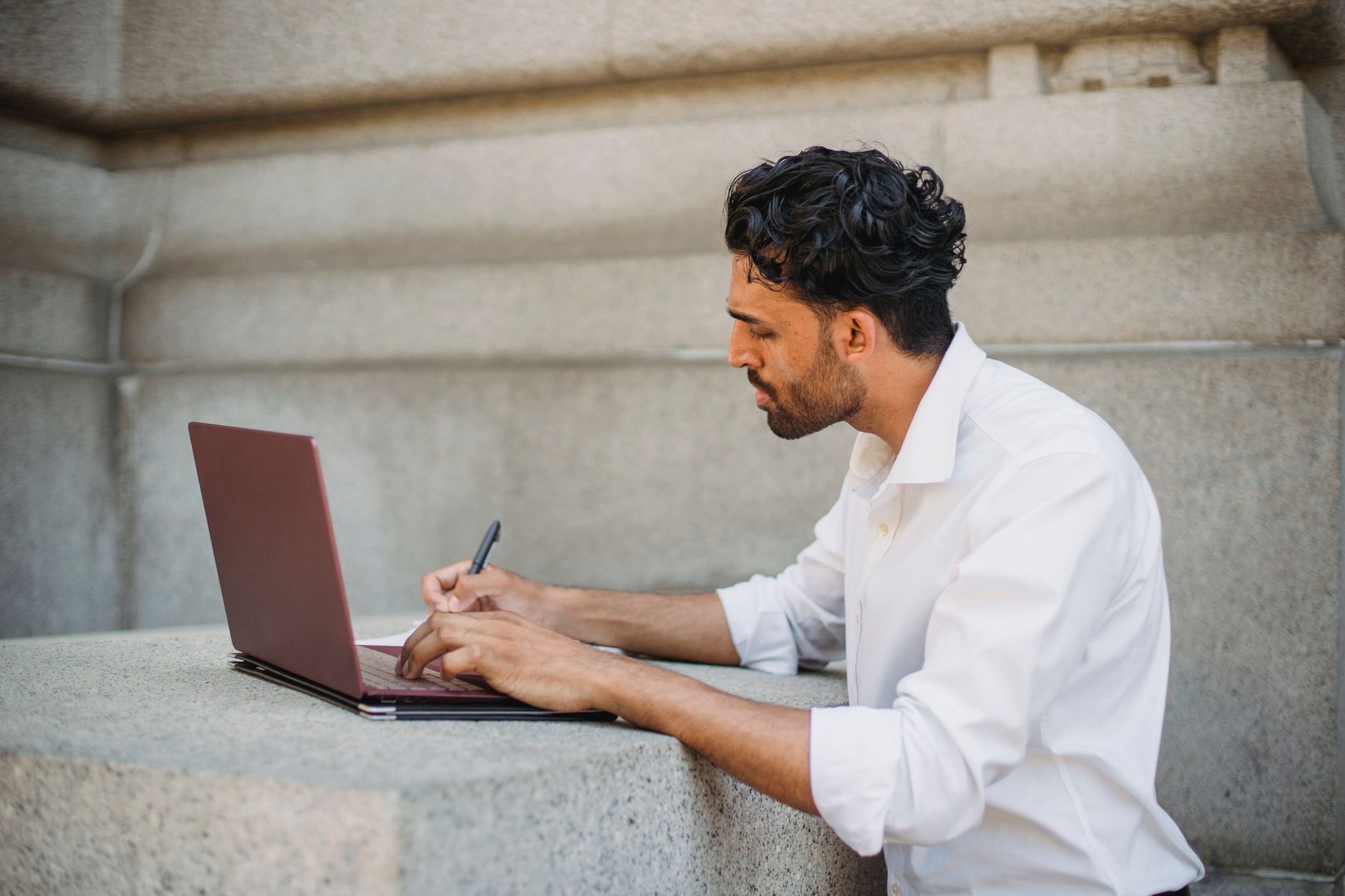
Enhancing Small Business Websites with AI Images and Stock Photos
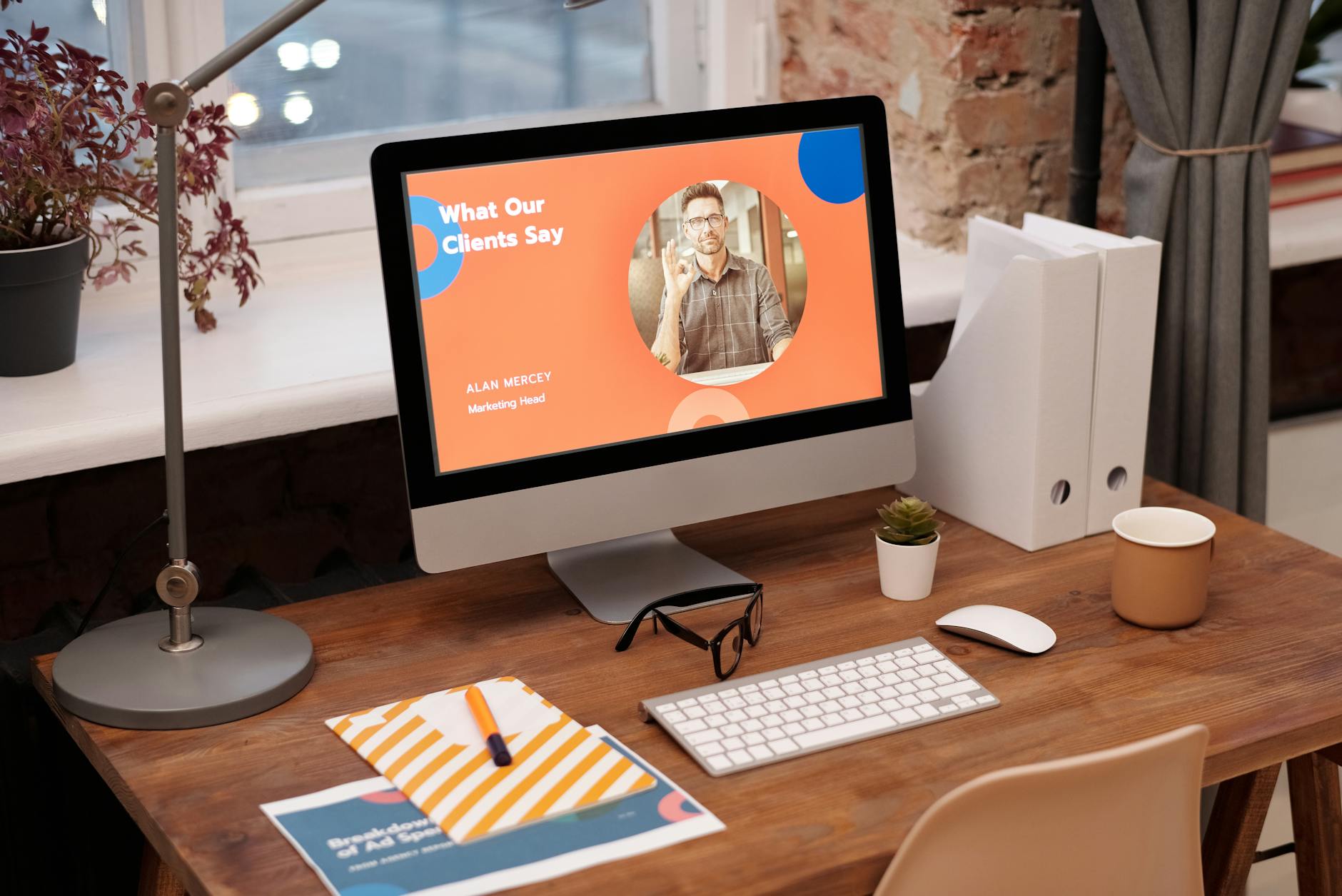
Photo: Mikael Blomkvist · Pexels
Building a website yourself often brings a sudden roadblock. While text sections are easy to refine, finding the right imagery for the gallery or main banner can be tough. Low-resolution photos or visuals that clash with your industry's vibe instantly lower the overall professional look.
The Challenge of Limited Original Photography
Shooting your own store interior, menu items, or service results is ideal, but taking and editing photos daily is demanding. For solopreneurs or those setting up a small business website, a lack of usable photos can stall the entire project. Forcing low-resolution images to stretch usually backfires.
Yet, hiring a professional studio for every update takes time and budget. Combining a built-in photo library with AI images lets you create an appealing atmosphere without requiring a massive original photoshoot.

Filling Galleries with Stock Libraries and AI Visuals
Website builders allow you to search stock photo libraries using industry-specific keywords to quickly find necessary visuals. Cafes might choose warm wooden tones, while beauty salons select clean, organized interior shots to build the foundation. However, generic photos sometimes fail to capture your unique brand identity.
That is where AI image generation helps you produce custom visuals with the exact mood you want. Typing your preferred composition, color palette, and atmosphere into the prompt box generates site-appropriate images within seconds. Combining this with AI-recommended styles, cinematic themes, or minimalist designs keeps the entire page visually cohesive.
Common Mistakes in Visual Layout
- Uploading oversized photos straight from a smartphone without checking resolution.
- Mixing random, flashy stock images that clash with the industry's tone.
- Filling every section with photos so that text information gets buried.
Overloading a page with too many pictures makes visitors miss key details. Placing only essential cuts in the main banner, service introduction, and gallery areas—while leaving the rest as clean text or negative space—looks much more professional.
Balancing Text and Visuals Effectively
Once photos are ready, adjusting the layout and spacing via conversational AI edits refines the final look. If you want to reposition or resize images, you can simply request changes through chat interface interactions. A small business website finished this way builds visitor trust and connects with search marketing content to drive inquiries and bookings.
If you want to build an appealing website yourself using stock libraries and AI imagery, start at AI Website Builder. Explore more industry-specific use cases in the Example Sites section.
FAQ
Can I build a website even if I do not have a single original photo?
Yes, you can use the built-in photo library with industry-specific keyword searches or generate necessary visuals with the AI image tool to fill out your site.
Can AI-generated images be used commercially for the website without copyright issues?
Yes, AI images and library photos provided within the platform can be utilized as website visuals according to the terms of the service.
Put it into practice
Describe what you need and your website is ready in minutes, with blog marketing running every day.