Building a Home Training Video Website: What Students Look For First

Picture a student opening today's new stretching video on their smartphone during the subway commute. You can launch your own dedicated home training lecture site right away. Without complex programming, you can build a complete platform in minutes simply by typing your details into a prompt box.
What Students Look for First on a Home Training Video Website
- Ready-to-go lecture lists: Students check whether videos are neatly organized by purpose, such as stretching, mat Pilates, core and hip workouts, and desk posture resets.
- Mobile playback and usability: They look for smooth playback directly on smartphones rather than desktop computers, along with clear guides on single-course payments and member-only access.
- Detailed course information and requirements: Clear details about the number of episodes, total running time, tuition, and required space or equipment give students confidence to sign up.
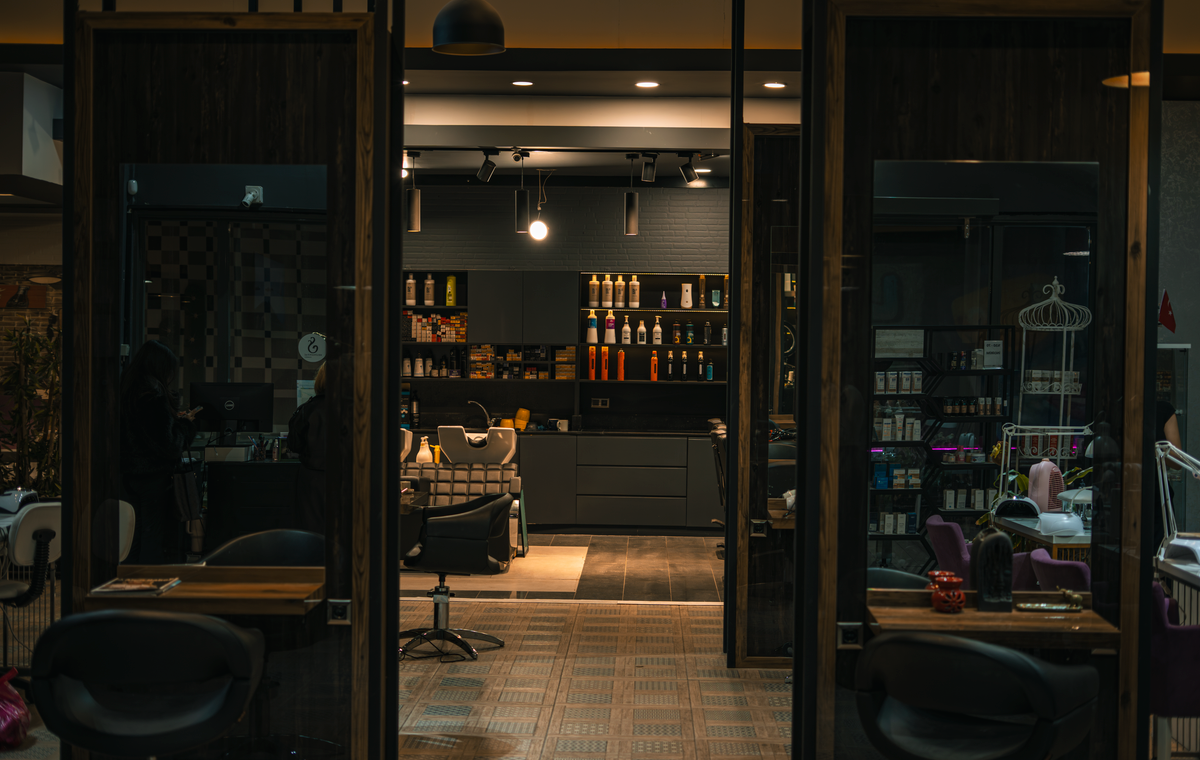
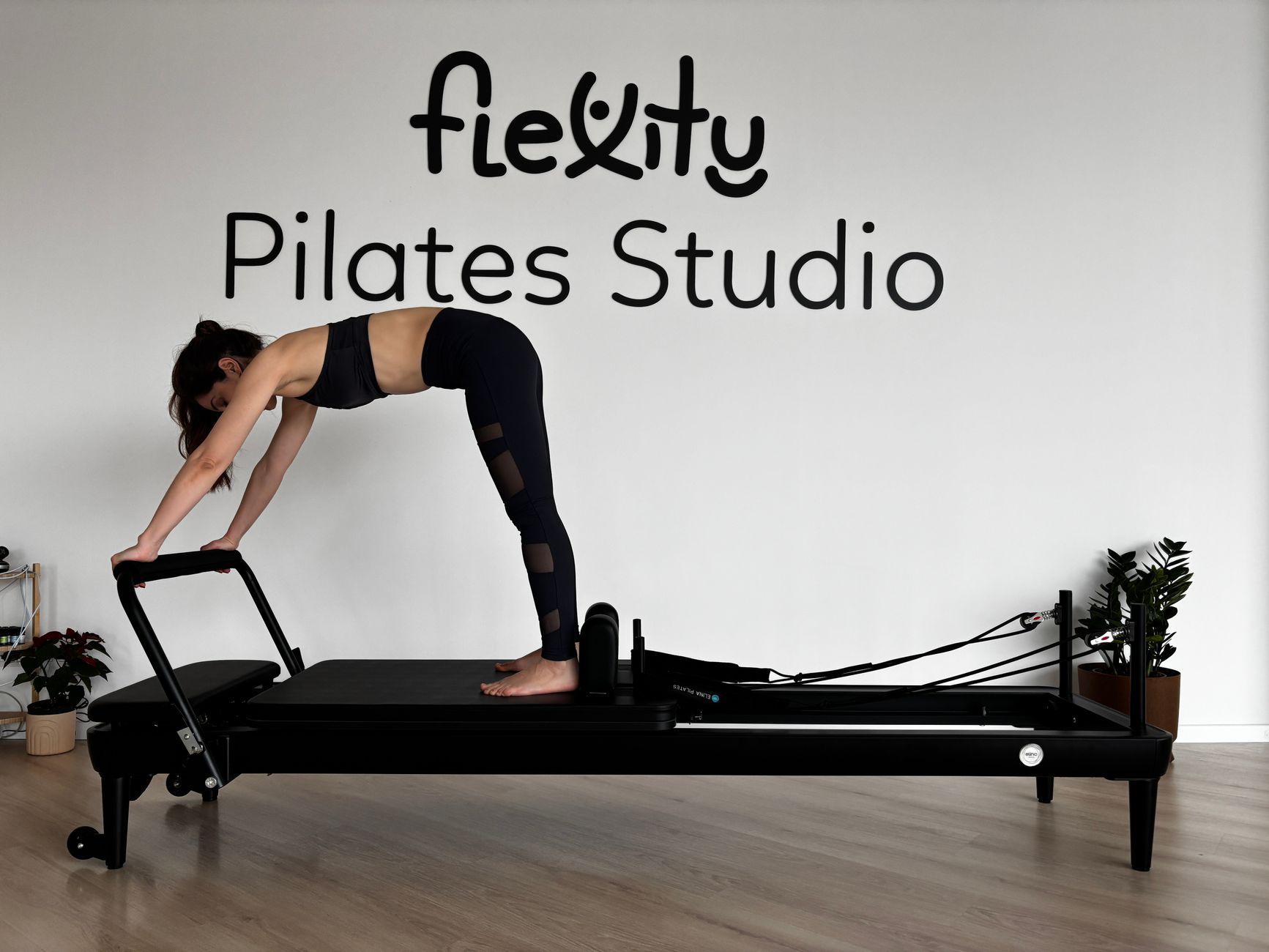
- Studio and instructor introductions: Real photos and transparent backgrounds showing where and by whom the sessions are filmed build trust instantly.
Try Typing This Into the Initial Prompt Box
Our brand name is "Moment Fit." Please build a home training video lecture site featuring sessions filmed in a quiet studio in Seoul. Include four programs: stretching, mat Pilates, core and hip workouts, and desk posture resets. Explain that videos unlock via single-course checkout and play instantly on mobile phones. Set up six pages—Home, Lectures, Programs, Getting Started, Studio, and News—using a warm white background with dark charcoal text and rose-pink accents.
Type this instruction and click start to instantly generate the design and page layout.
Essential Features to Enable: Payments and Memberships
Payment and membership systems are vital for a home training lecture site. Set up your platform so students can select their preferred single-course lectures, pay directly via credit card or bank transfer, and watch videos immediately within the member area. The system also supports displaying currencies in US dollars, Japanese yen, and Euros to accommodate international students conveniently.
Editing and Managing After Launching
On your finished site, simply click the section you want to change and type a request in the chat window, such as "Summarize the tuition information" or "Add a new mat Pilates schedule," to update it instantly. In the admin dashboard, you can rearrange menu orders or search and insert new studio photos from the image library. If you are ever unhappy with a change, you can revert to a previous version at any time.
Daily Automated Blog Topic Ideas
- 15-minute desk neck stretch to relieve stiffness at home
- Essential equipment and space setup for beginner mat Pilates
- Posture maintenance tips to boost core and hip workout effectiveness
- Safe full-cardio home training routines for compact living rooms
Instagram Card News Topic Ideas
- Sneak peek at today's newly uploaded mat Pilates course
- 3-step home workout routine using your phone for video guidance
- Top 4 most popular stretching sessions sought by students
- Direct safety tips from the instructor for working out at home
Templates for similar businesses
These are real example sites. Preview one, and if you like it, start with the same look by adding your business name.
- MEZEMON · Home Workout Video Courses You Follow on Your Phone · Stretching · Mat Pilates · Core and glutes · Desk reset · Getting started · Studio and coaches · News
- Tehahe Reformer Pilates · Weekly schedule, memberships and trial class booking
- Abezamu Tattoo Studio · Fine-line tattoos, consultation, pricing and healing guide
- See all templates by business
FAQ
Can I use single-course checkout and member management together on a home training video lecture site?
Yes, after selecting your pricing plan, you can connect payment methods such as credit cards or bank transfers in the admin dashboard and directly manage single-course checkouts and student memberships.
Does the site display well on smartphone screens, and can I edit the content myself?
Yes, you can click any section directly on the finished site and request edits via chat or update the input fields in the admin dashboard. Mobile optimization is fully supported.
Put it into practice
Describe what you need and your website is ready in minutes, with blog marketing running every day.