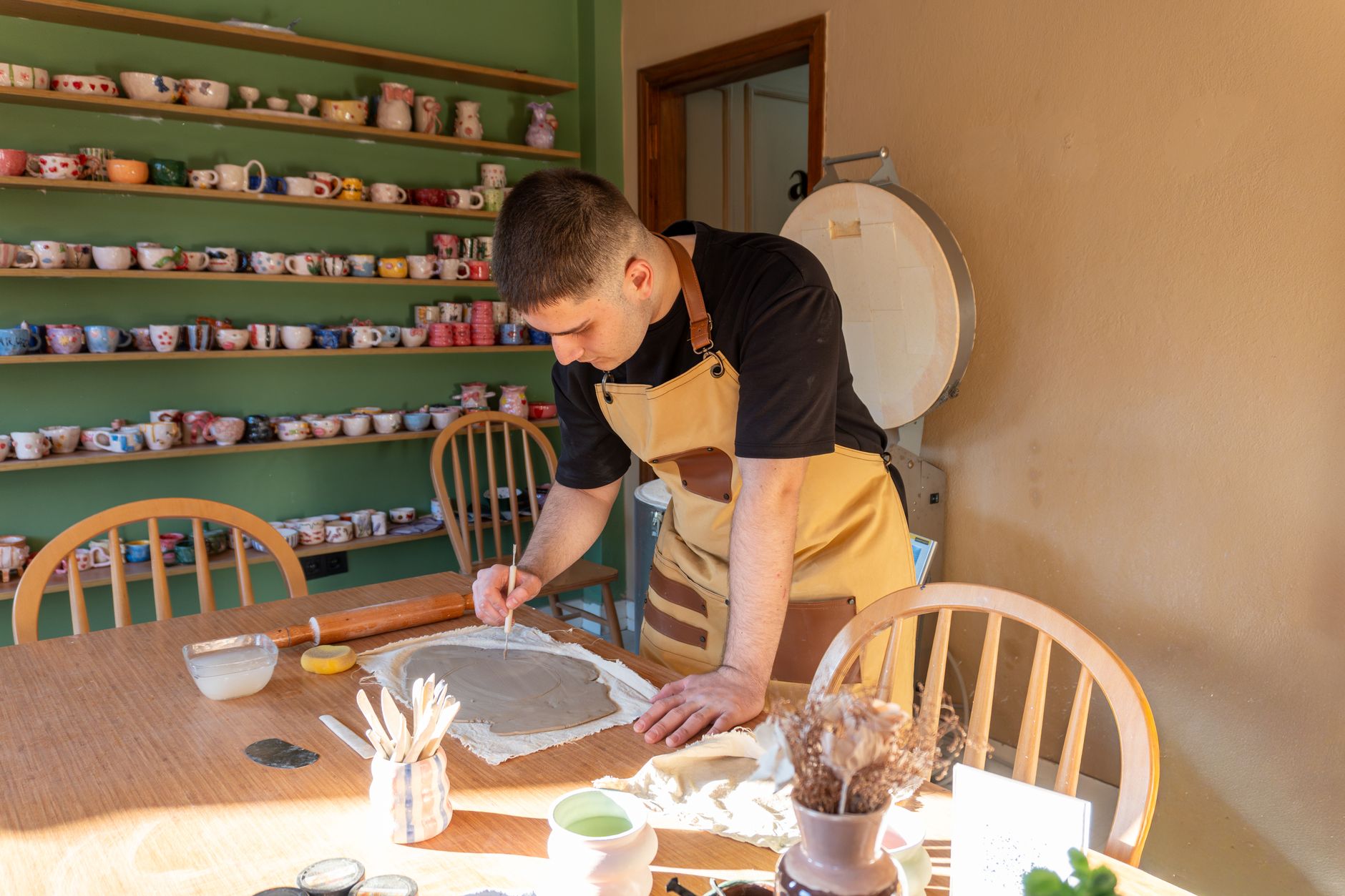
How to Use AI Website Builder Images When You Do Not Have Professional Photos

Photo: Rene Terp · Pexels
Even if you have a gorgeous store interior or sell fantastic products, smartphone snapshots often fail to capture the right vibe on screen. Surprisingly, the most time-consuming part of building a website isn't typing text—it's selecting and placing the right photos. You don't need to delay launching your promotional page just because you lack high-quality store photos. Modern AI website builder solutions make it easy to secure and swap out visual materials tailored specifically to your industry.
Choosing the Main Visual That Sets the First Impression
The first screen visitors encounter when landing on your site determines your overall credibility. Because industries like cafes, fitness centers, and beauty salons each have unique vibes, simply dropping in a sharp photo won't solve everything. For example, a warm and cozy cafe calls for low-saturation images with soft textures to truly bring out the brand identity. When you first generate a layout using an AI website builder, default industry-appropriate images fill in automatically. From there, you can fine-tune them to match the actual feel of your shop.
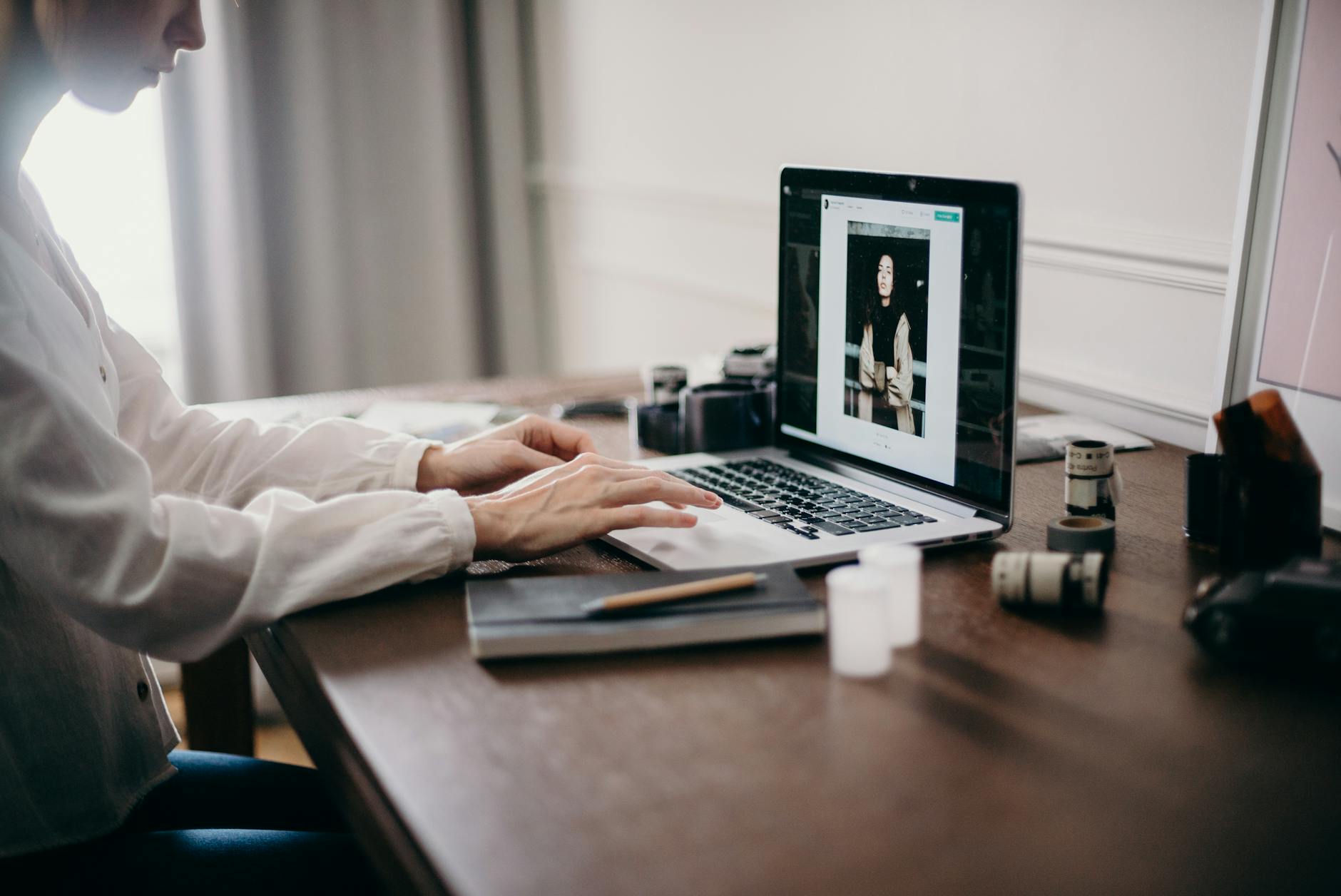
Order of Using Built-in Photo Libraries and AI Images
Mixing your own photos with materials from the system's internal library is the secret to raising quality. You can search for desired keywords in the photo library to pick sources matching the site's overall mood, applying stylish stock images instantly with just a few clicks. Head to the admin screen, click the section you want to replace, and load the required image so it blends naturally without disrupting the layout. Here are a few quick reminders when picking photos:
- For the main screen, choose photos with small people or wide negative space to enhance text readability.
- In the service introduction section, place specific images showing actual procedures or product delivery processes.
- Select sources with proper aspect ratios so the screen doesn't break on various devices.
- Unify the overall color tone using two to three consistent families rather than clashing shades.
Transitioning Naturally to Real Store Photos
It is also a highly efficient strategy to first build the overall structure using temporary placeholder images, then swap them out one by one with actual store photos taken on your smartphone or camera when you have time. Uploading your own shots of specific interior spaces, signature menu items, or frequently used equipment gives visitors a much stronger sense of trust. The admin mode of an AI website builder provides both a photo library and editing functions that let you instantly upload and resize your own photo files. Since you can modify them anytime until you get the desired result, the pressure is low.
Image Arrangement Tips for Enhancing Details
One thing to watch out for when adding photos is that uploading oversized original files can slow down page loading speeds on mobile devices. While the builder system handles optimization, moderately reducing the size of original files helps maintain a much smoother speed. Additionally, arranging images to naturally guide visitors' eyes toward booking or inquiry buttons at the bottom is crucial. Improving visual completion is a core element in increasing visitor dwell time and boosting actual inquiry rates.
If you have been postponing your website creation simply because you lack proper photos, we recommend completing the basic framework first with proven tools and filling in the images later. If you are curious about the specific creation process or configurations suited to your industry, you can try entering your details directly on the AI website creation page to check the results. If you need guidance on pricing plans or detailed features, you can also refer to the pricing guide page.
FAQ
Can I build my website first even if I do not have a single store photo?
Yes, absolutely. By leveraging the built-in library and AI image features that provide high-quality images suited to your industry, you can build a polished first screen without having your own photos.
Can I swap out the images with my own photos anytime later?
You can easily replace them with actual store photos at any time through the admin screen or real-time chat editing features, and reverting to previous versions is also supported.
Put it into practice
Describe what you need and your website is ready in minutes, with blog marketing running every day.