
Boost Bakery Sales by Adding an Online Booking and Checkout System for Pickup Orders
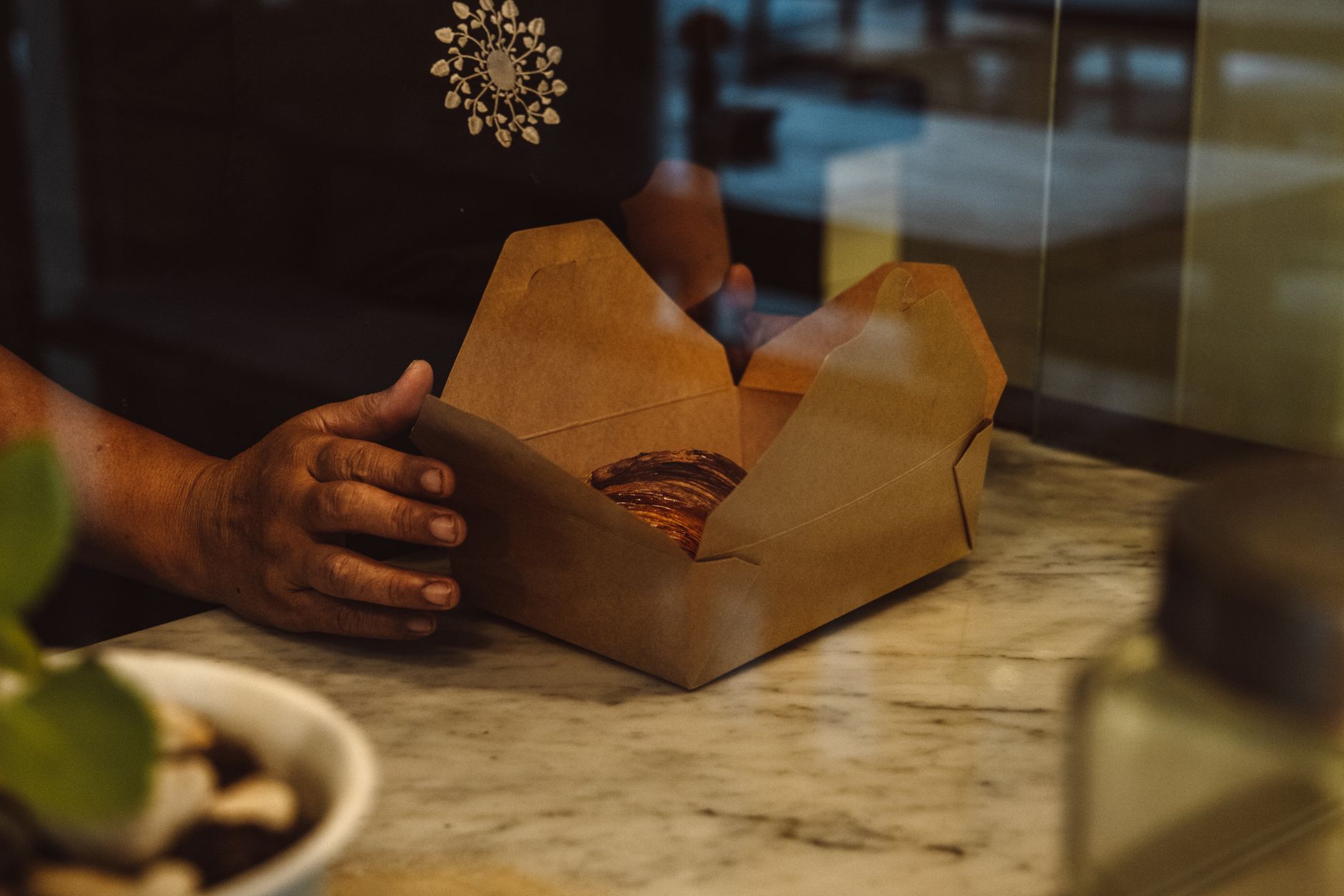
Photo: ROMAN ODINTSOV · Pexels
More and more customers want to browse, select items, and place pickup orders or secure table reservations before stepping foot into the shop. Taking orders over the phone while texting bank account details back and forth can become a massive burden during busy operational hours. Setting up an environment where customers can view the menu directly on your website and complete their orders and payments for a specific time slot significantly reduces this hassle.
When Your Bakery Needs a Booking and Checkout System
Shops with fast table turnover rates or limited batches of signature items benefit the most from online pre-order features. Allowing customers to select a pickup time and complete payment beforehand helps lower the no-show rate and provides an accurate inventory count. Especially during busy weekends or holiday seasons, having a system automatically handle orders and payment confirmations is much safer.

Integrating Domestic and International Payments with PayApp and PayPal
When adding online checkout capabilities, services like PayApp, which supports domestic card payments and simple checkout options, and PayPal, which reaches international customers, are commonly utilized. Instead of developing complex payment modules from scratch, you can apply them directly through the admin settings of your website builder. Setting the appropriate currency, such as won or dollars, and offering flexible options like card payments or bank transfers helps lower cart abandonment rates.
- Enter payment integration details in the admin menu
- Configure currency display settings to match your store, such as KRW or USD
- Enable necessary payment methods like card processing, bank transfers, or PayPal
- Verify that orders and notifications function properly through test transactions
Managing Order History and Reservation Schedules at a Glance
A system that tracks incoming orders without missing a beat is just as important as the payment feature itself. Once a customer completes a transaction, the admin page and notifications instantly generate a list detailing the date, time, and exact quantities of pastries to package. Because you can view orders categorized by status without writing them down in Excel or flipping through notebooks, bakers in the kitchen and counter staff can minimize mistakes.
| Category | Phone and Text Orders | Online Booking and Checkout System |
|---|---|---|
| Order Intake | High chance of omissions during calls | Real-time automatic records and alerts |
| Payment Verification | Manual matching of depositor names | Instant card and digital wallet settlement |
| Schedule Management | Manual record keeping | Automatic sorting by date and time |
Final Steps to Boost Pre-Visit Pickup Orders
When first introducing reservations, it is best to clearly display your menu, pricing, and available pickup times so customers do not get confused. If you built your site using an AI website builder, you can modify it instantly using chat commands to update guide texts on the fly, quickly reflecting any operational changes. If you want to boost operational efficiency and provide a smoother experience for regular patrons, explore specific features at AI Website Builder. Details regarding pricing plans and specific options are available on the Pricing Guide.
FAQ
Do I need separate development skills to set up payment integration?
No complex coding is required. You can easily set it up by entering integration details and enabling the necessary payment methods following simple instructions in the admin panel.
How do I receive notifications when a customer completes an order?
Once a customer finishes booking and paying, the order details and pickup time are transmitted in real-time through the admin page and configured notifications so you can check them without missing anything.
Put it into practice
Describe what you need and your website is ready in minutes, with blog marketing running every day.


