
Bakery Website Templates with Pickup Orders and Table Reservations
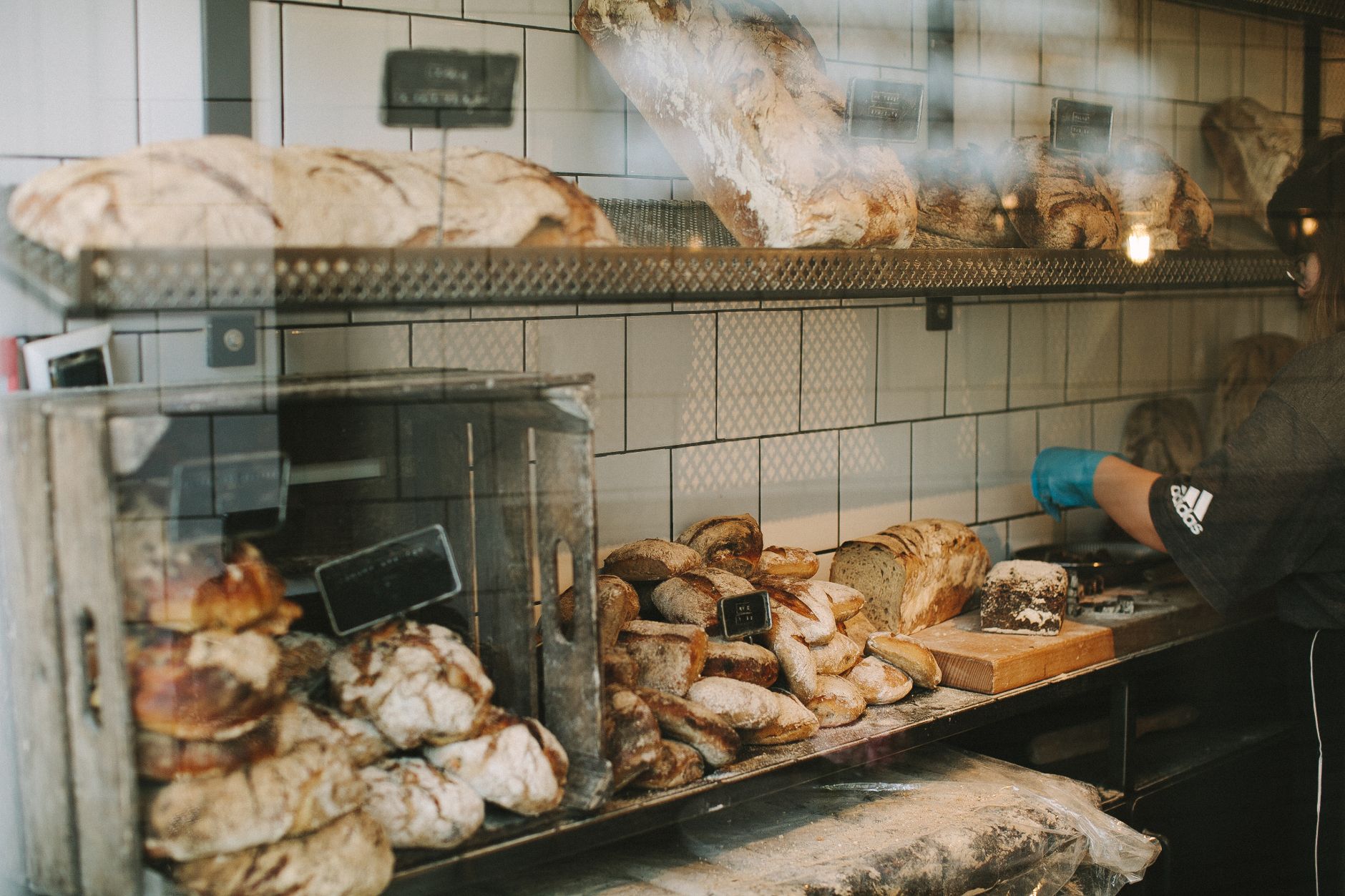
Photo: Lina Kivaka · Pexels
Baking fresh bread every morning and answering a flood of reservation calls leaves little energy to turn on a laptop and update a website. Changing the menu or adjusting table availability usually happens late at night after closing time. There comes a time when you need a tool that sets up the features you want without requiring any coding or design skills. Using an AI website builder lets you open a polished digital storefront equipped with pickup ordering and table reservations in just a few minutes.
Choosing the Right Bakery Template and Making a Strong First Impression
Much like the aroma of freshly baked bread when customers walk through your door, your website's homepage should capture the essence of your brand. The atmosphere shifts depending on your style, whether you prefer warm wood tones for a cozy feel or a modern, clean showcase centered around your pastries.
After typing your business type and desired vibe into the initial prompt box, the AI website builder automatically organizes the menu layout, photo placement, and contact section. This allows business owners to instantly review the framework without waiting around for an external agency.
- A menu section showcasing signature pastry photos and prices at a glance
- Store location, parking details, and operating hours
- Direct buttons linking to table reservations and pickup orders

Easily Arranging Your Menu and Reservation Links
Refining the details on top of the completed framework is much simpler than you might expect. Simply click the section you want to change on the screen and chat with the assistant to have the updates applied immediately. Input everyday requests such as "Raise the croissant price to $4.50" or "Add a section for today's lineup announcement," and you are done.
Ordering and reservation features are core tools that prevent visitors from leaving your site. Instead of relying on complicated external service links, you should set up the page so customers can naturally select reservation dates and party sizes right within the platform.
Practical Details for Managing Reservations and Orders
The first thing to verify when introducing a reservation system is whether notifications come through properly. When customers submit a table reservation or pickup order, the dashboard and notification alerts must update instantly to prevent mistakes.
During peak hours, you can control detailed operational conditions directly from the management screen, such as temporarily closing reservations or setting different menus for specific days of the week. Because customers pre-select items and complete payments on their smartphones before arriving, table turnover rates naturally increase.
The Natural Progression to Search Marketing
Having a beautiful website means little if visitors never find it. Even after your site is completed, the AI website builder can automatically write and publish a blog post tailored to your industry every day. This helps your local bakery name and signature menu items appear in search engine results on Google.
Prospective customers who discover your business through search read these blog posts and naturally transition to the pickup order and reservation pages. For small business owners who struggle to write daily content and handle optimization tasks on their own, this serves as a dependable support system.
If you have delayed building a website due to complex setups, experience a method where everything is completed through conversation. Explore specific templates and examples at AI Website Maker and open a stunning space unique to your shop. Detailed plans and capabilities are available on the Pricing page.
FAQ
Can I accept reservations even if I know nothing about coding or design?
Yes, by entering your business type and desired features on the initial screen, a structure capable of handling reservations and pickup orders is completed in minutes. Afterward, you can request edits through chat or easily modify content directly in the management dashboard.
How do I edit menus or prices on the finished site?
Click the screen section you want to modify and submit a chat request to the AI assistant for immediate updates. You can also directly edit input fields and rearrange menu items through the management panel.
Put it into practice
Describe what you need and your website is ready in minutes, with blog marketing running every day.


