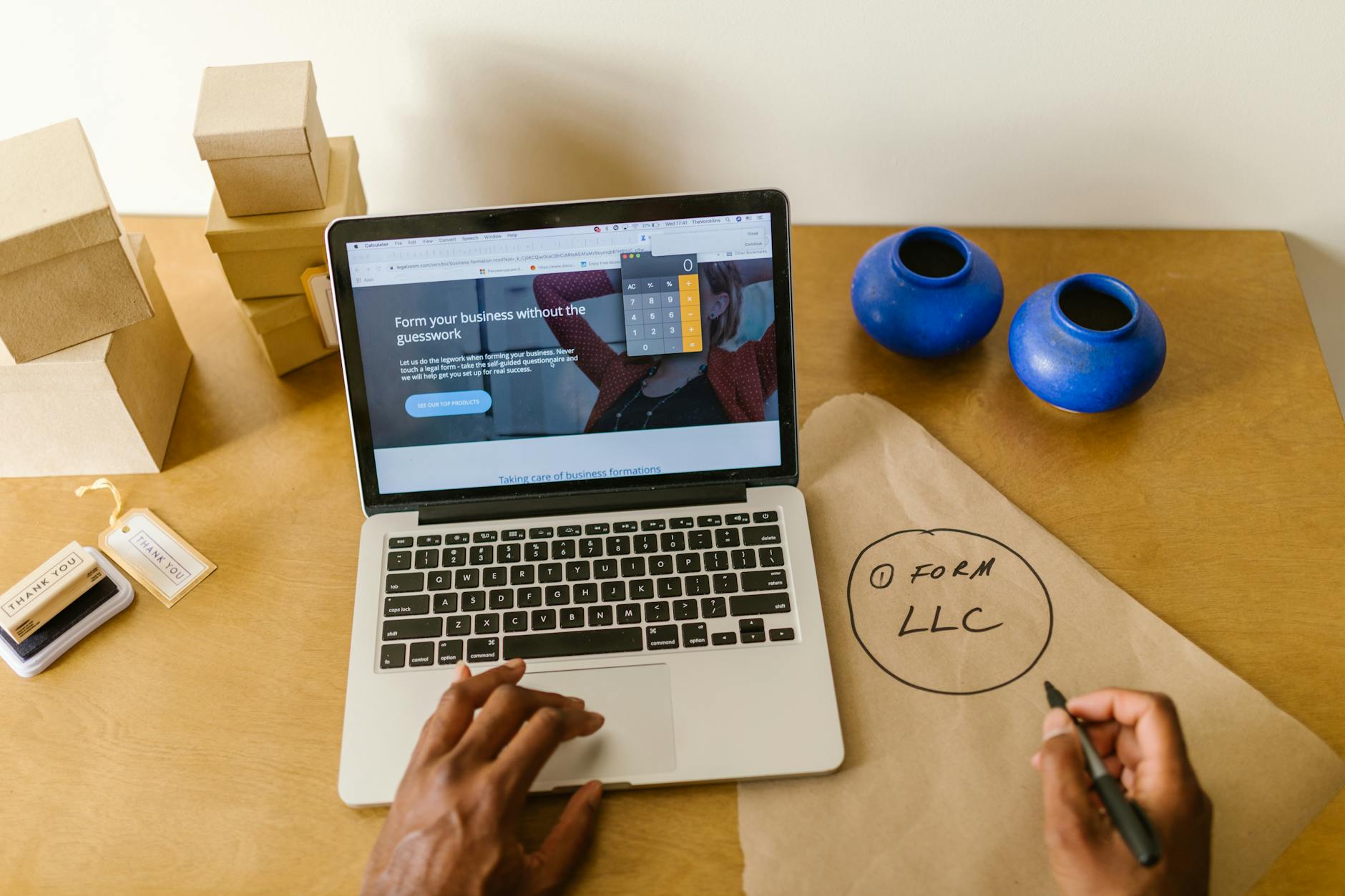
Easy Website Updates: Change Business Hours and Prices via Smartphone

Photo: Mitzi Mohana · Pexels
When your store hours suddenly change or you need to apply new menu prices, waiting days for a web agency to reply can be frustrating. Imagine how convenient it would be to skip turning on a PC or touching complicated admin codes, and instead handle everything right from the smartphone in your hand. With SOCKET KITS, anyone can easily update their website just by chatting with an AI agent on their mobile screen.
Handling Last-Minute Price and Hour Changes in Real-Time
Running a store often brings sudden changes like menu price hikes, altered closing days, or break times. If customers visit after finding outdated information on a blog or search engine, trust drops quickly. In the past, even a minor website fix meant emailing an outside developer, making a request, and waiting several days. Now, however, you can access your site directly from your phone on the spot and change the details in mere seconds.

Steps to Update by Chatting with an AI Agent on Your Smartphone
The system is designed so you can make intuitive adjustments on screen without any software knowledge. Simply log in to the admin panel via your mobile browser and touch the section you want to edit.
- Touch and select the screen or section that needs modification.
- Type instructions in the bottom chat window, such as "Increase the price by 50 cents" or "Change closing day to every Monday."
- The AI agent immediately applies the changes and updates the screen.
- Review the results, and if you are not satisfied, you can hit the rollback button to restore the previous version.
Benefits of Managing Website Updates Yourself Without a Developer
This approach offers business owners the most advantageous method in terms of time and budget. The extra costs and waiting periods that come with changing every minor phrase disappear entirely. When typing feels cumbersome, you can use the voice input feature to speak your instructions comfortably. Photos, announcements, and event banners can also be swapped out in real-time whenever you want.
| Category | Traditional Agency Method | SOCKET KITS AI Updates |
|---|---|---|
| Processing Time | Waiting 1 to 3+ days | Completed instantly upon chat input |
| Update Costs | Additional fees per request | Predictable and streamlined |
| Work Environment | PC and professional software | Possible via smartphone chat |
Key Checks After Making Updates
While the AI agent corrects text and design instantly, it is always wise to do a quick final read-through to ensure there are no typos in the published content. Phone numbers, account details, and exact price numbers are especially critical since customers rely on them to contact you, making a final check recommended before publishing. Information managed frequently in this way also positively impacts search engine visibility, boosting visitor satisfaction.
Experience the update process yourself right now at AI Website Builder, or check out plans suited for your store on the Pricing Page.
FAQ
Do I need to install a separate app to update my website on a smartphone?
No separate app installation is required. You can simply log into the admin panel using your mobile internet browser and immediately chat with the AI agent to make updates.
Can I revert back if I make a mistake while updating?
Yes, a restore-to-previous-version function is available, allowing you to safely return to the pre-edited state whenever you wish.
Put it into practice
Describe what you need and your website is ready in minutes, with blog marketing running every day.