
How to Make Your Solopreneur Website Portfolio Gallery Stand Out
Photo: Ann H · Pexels
When you wrap up a project as a studio owner or freelancer, the very first task on your list is usually sorting through photos and videos. As files pile up on your hard drive, you might find yourself wondering which ones will actually move clients. For a solopreneur website, the gallery is not just a digital storage space for images; it is the main stage where your skills and aesthetic shine at a glance.
Avoid Showing Too Many Works at Once
A common mistake when launching a homepage is uploading every single photo you have ever taken. If visitors have to scroll endlessly, they quickly experience fatigue and bounce from the page. It is much better to handpick six to ten of your absolute best signature pieces for the initial view.
From your image archive, select files with vivid colors and a consistent mood. Aligning your style—whether minimalist or warm—to match your industry will make the overall finish look much more professional.
Establish Clear Categorization in Your Gallery Structure
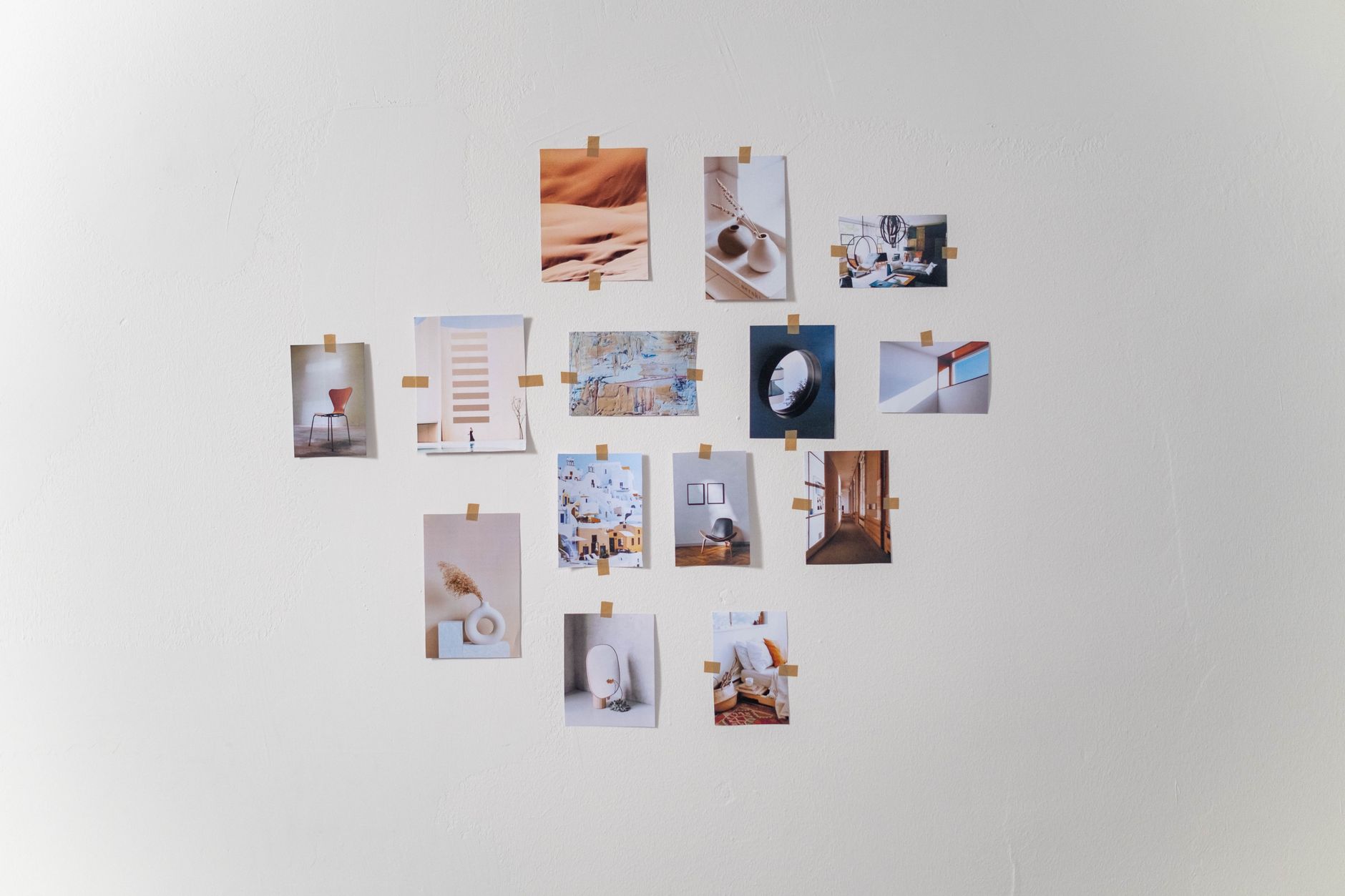
If you offer multiple services, you need to break down your gallery menu accordingly. For instance, a studio should divide categories into portraits, landscapes, and commercial photography so visitors can immediately find the exact style they want. Rearranging menu orders or adding new sections in the dashboard takes just a few clicks.
- Place signature works at the very top of the gallery
- Ruthlessly cut photos with repetitive compositions
- Add brief, intuitive descriptions or shooting details to each image
Check Gallery Readability on Mobile Screens
A layout viewed on a desktop computer feels completely different on a smartphone. Since most traffic comes from mobile searches these days, you need to verify that your images look striking even on smaller screens. Tiny images or sluggish loading speeds can backfire.
Testing how smoothly touch gestures and transitions work while scrolling on a smartphone is an essential step. When detailed design tweaks are required, you can instantly adjust layout ratios through an AI agent chat interface.
Driving Search Traffic to Your Gallery
Once you have built a polished gallery, you need to pair it with search marketing so people can naturally discover your pages. Consistently publishing blog posts about your studio's creative philosophy and recent updates will gently guide prospective clients to explore your portfolio. You can check detailed production methods and template layouts directly on the AI Website Builder page.
A portfolio gallery is not simply a place to drop completed results; it is the first impression that builds trust with clients visiting your business. Review the photo placement on your current site today and rearrange them in the order that holds your visitors' attention. If you need assistance or want to review specific setup procedures, you can explore the Pricing Plans and various client cases in the Website Examples gallery.
FAQ
What is the recommended file size for images uploaded to the portfolio gallery?
Because slow loading speeds can cause visitors to leave, you should keep images sharp while properly compressing them for web use before uploading them to your storage.
How can I fix gallery images appearing too small on mobile screens?
You can improve readability by adjusting mobile-specific layout ratios or changing the number of photos displayed per row through your dashboard or agent chat.
Put it into practice
Describe what you need and your website is ready in minutes, with blog marketing running every day.


