How to Build a Booking Website to Boost Cafe and Bakery Takeout Orders

Photo: Enes Beydilli · Pexels
Running a cafe or bakery filled with the scent of freshly baked bread and coffee every morning often means scrambling to answer endless phone calls. For spots juggling dine-in service and takeout orders simultaneously, regular customers need an easy way to order ahead and pick up their items. Building a booking website to handle takeout orders and reservations smoothly is no longer optional; it is a critical driver of revenue.
Essential Elements to Check Before Building a Booking Website
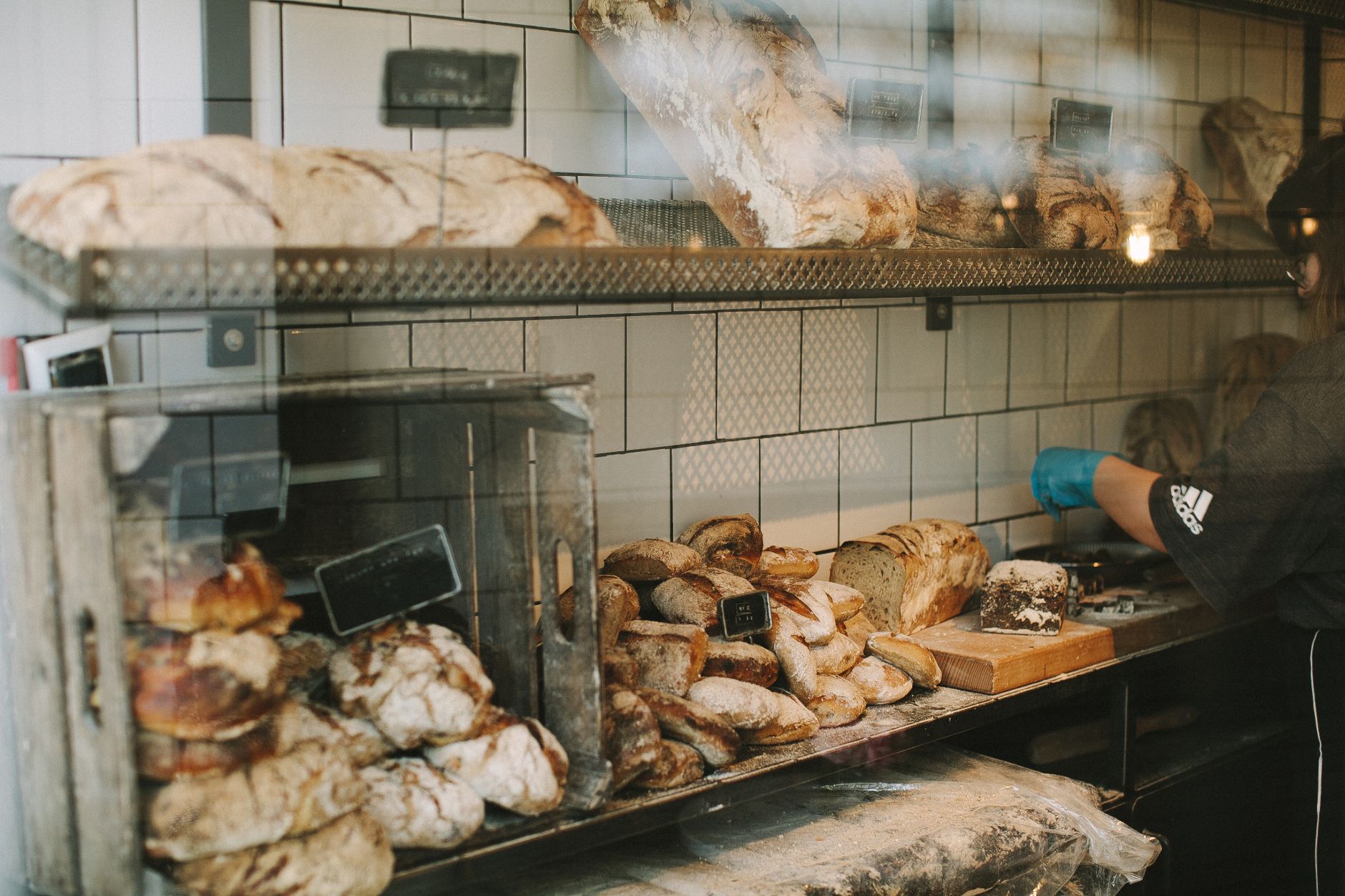
When visitors land on your shop via a smartphone search, the first things they look for are intuitive menus and clear pricing. Sites bogged down by blocks of text cause visitors to bounce, making high-quality photos and well-organized categories a must. For bakeries, specifically, displaying signature bread release times and whole cake availability clearly cuts down on inquiry calls. Utilizing a solution that requires no complex coding or software installation, allowing you to set up everything in minutes simply by inputting prompts, saves a tremendous amount of preparation time.
Connecting Menu Displays and Payments Seamlessly
Even if customers pick a menu item they love, a cumbersome checkout process leads to high cart abandonment rates. Integrating card payments or bank transfers directly into the site confirms orders the moment a reservation is made, noticeably lowering no-show rates. Managing order histories and reservation statuses in real-time through an administrator dashboard ensures daily store operations run without a hitch.
- Place signature items and bestsellers at the top of the main screen
- Create separate reservation forms exclusively for whole cakes and bulk takeout
- Integrate reliable payment methods such as PayApp or PayPal
- Display operating hours, closing days, and parking information prominently
Practical Operations Tips and Search Visibility That Drive Revenue
Building a stunning site means little if customers cannot find it. Search engine optimization must be applied from the start so your shop appears accurately when searched on Google or Naver. If writing daily blog posts yourself is too difficult, utilizing features that automatically publish industry-appropriate articles to handle search marketing for you is an effective strategy. You can also edit prices or menus on the fly by chatting directly with an agent interface on the site screen, maximizing operational convenience.
| Category | Standard Informational Site | Order- and Reservation-Centric Site |
|---|---|---|
| Key Features | Simple location and menu guide | Menu selection, reservation, payment integration |
| Customer Action | Phone inquiry followed by visit | Direct online ordering and payment |
| Store Impact | Increased fatigue from answering phones | Reduced phone calls, increased takeout revenue |
How to Elevate Quality Through Direct Edits
Running a completed site inevitably brings seasonal menu changes and price adjustments. Instead of tracking down external agencies or tinkering with complex code each time, a convenient method involves tapping the relevant section on your smartphone or PC screen and chatting to request changes, reflecting updates in seconds. Reverting to previous versions is also available at any time, allowing you to tailor the site to your shop's vibe without stress.
Everything is set up to help busy store owners easily launch a site and secure search visibility. If you want to start building a booking website, check out the specific creation process at AI Website Builder, and review the required pricing and features on the Pricing Guide.
FAQ
Is it difficult to update cafe menus or prices when they change?
You can apply changes instantly by tapping the section you want to edit on the site screen and requesting the updates through chat. You can also easily make changes using input fields in the administrator dashboard.
Can I accept reservations and payments on the site simultaneously?
Yes, by integrating card payments and bank transfers, customers can complete their payments at the exact time of reservation. You can manage orders and reservation histories in real time through the administrator dashboard.
How do search marketing and automated blog publishing work?
After your site is completed, relevant articles tailored to your industry are automatically written and published to help improve search exposure on engines like Google and Naver. Keywords and publishing schedules can be configured directly from the admin screen.
Put it into practice
Describe what you need and your website is ready in minutes, with blog marketing running every day.