
Small Business Website Homepage Layout: How to Prevent Bounce Rates in 3 Seconds
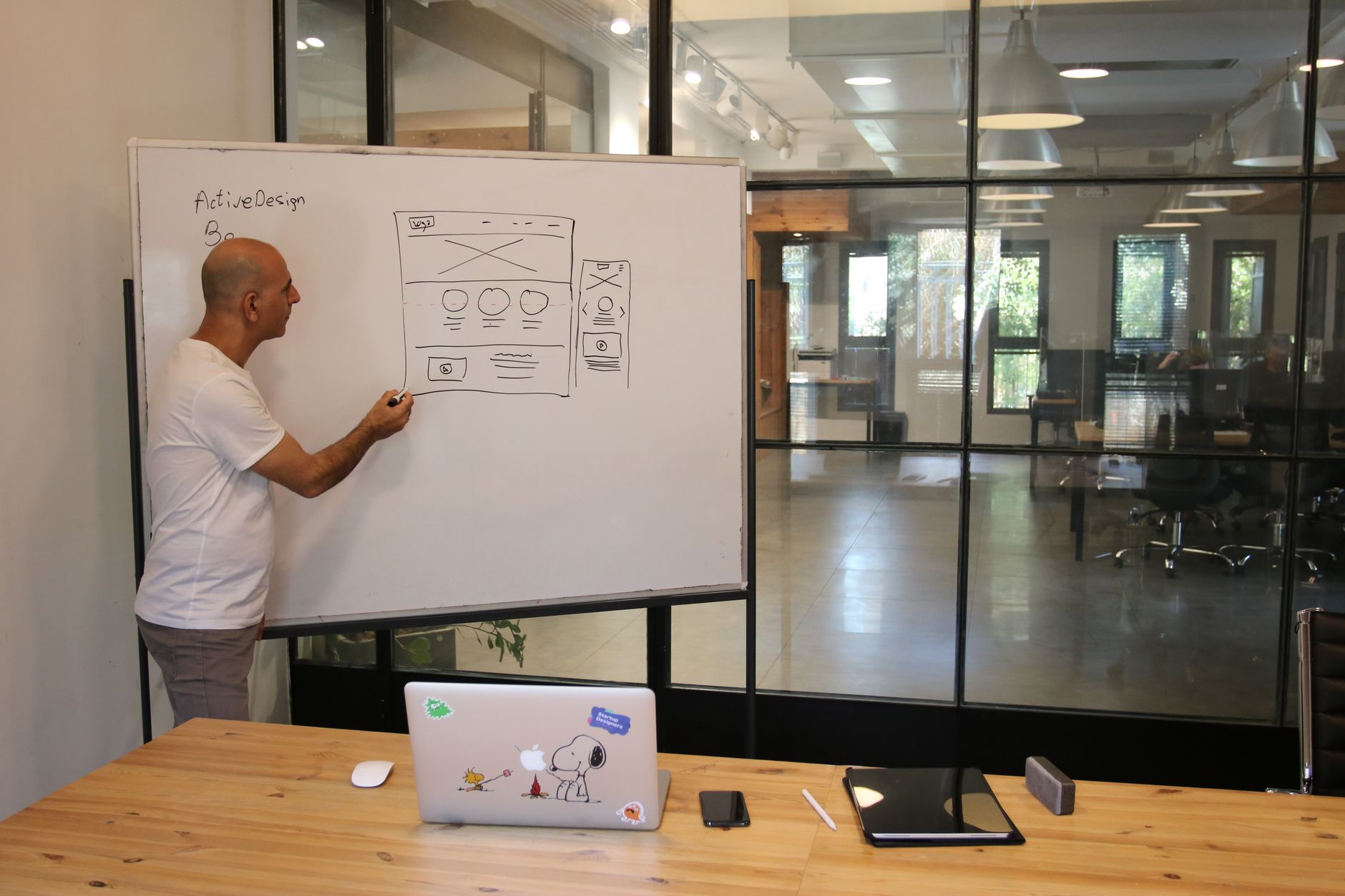
Photo: Shuki Harel · Pexels
When you first launch a small business website to promote your store or company, you might notice that visitors leave very quickly. Statistics show that the time users spend on a site is often just a few seconds. If you fail to clearly communicate what your business is about within this short window, visitors will close the tab without even scrolling down.
The Visual Scanning Pattern of Visitors
When people browse a site on their smartphone or PC, their gaze usually moves in an F-pattern or Z-pattern. They start from the top left, scan across to the right, and then move down. If core information is not placed within this natural path, visitors experience confusion.
Your opening screen should feature your industry, location, and how you can help at a glance, rather than a lengthy, complex greeting. Visual appeal matters, but clarity of information comes first.
Essential Homepage Elements to Make an Impact in 3 Seconds
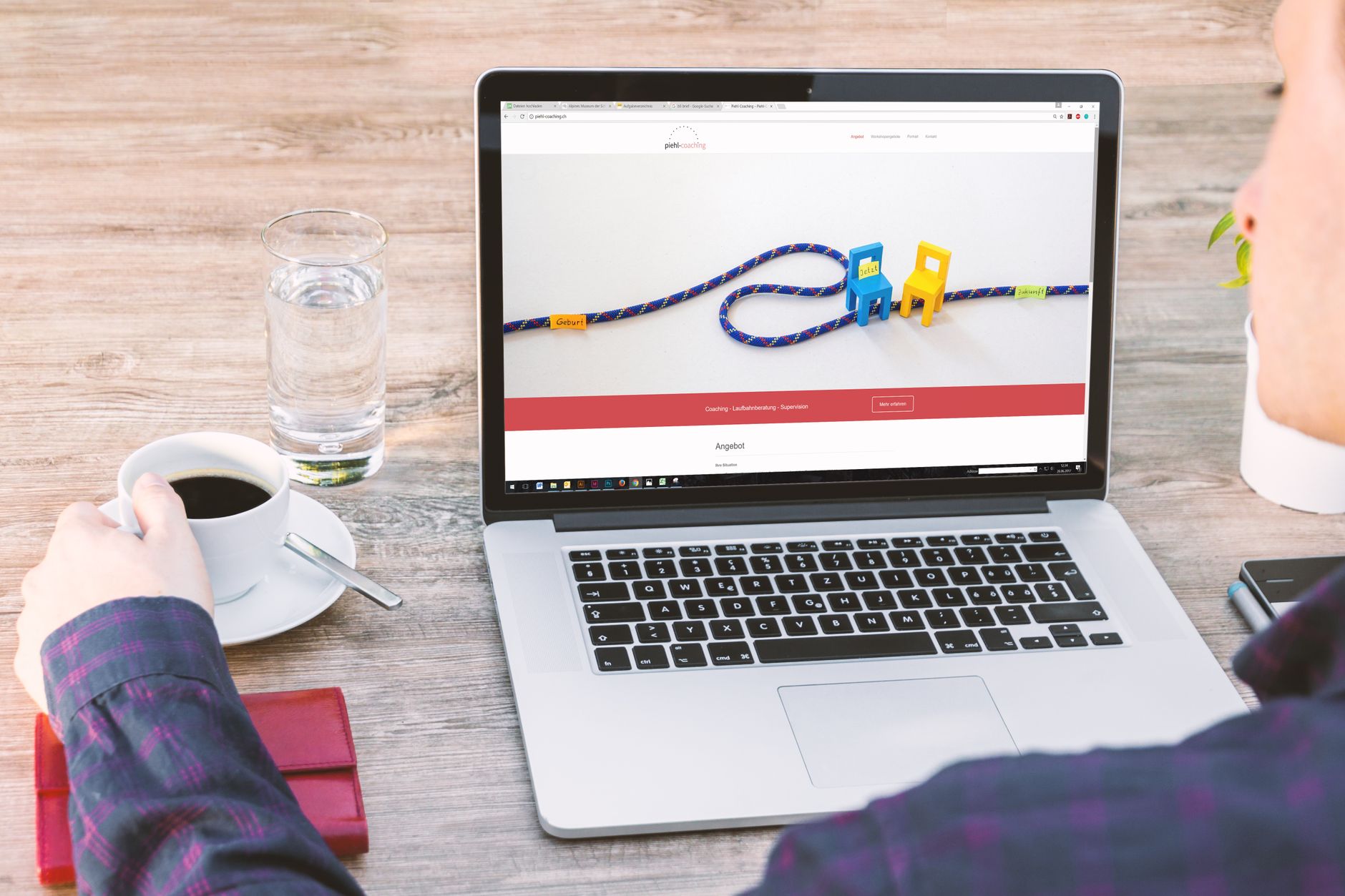
To keep visitors engaged, certain content must appear in the upper section of the page. Use the checklist below to evaluate your current setup.
- Clear Headline Copy: Summarize your store's services in a single, impactful sentence.
- Intuitive Subcopy: Provide supplemental details customers care about, such as pricing, unique features, or target audience.
- Immediate Action Buttons: Include buttons that lead directly to the next step, such as booking, inquiring, or calling.
- Trust-Building Visuals: Display polished photos showing your actual store atmosphere or signature products.
Common Mistakes and How to Fix Them
The most frequent mistake in building a small business website is writing copy solely from the owner's perspective. Using industry jargon or complex wording causes visitors to get confused and leave. Furthermore, hiding contact details or reservation buttons far down the page makes them tedious to find.
If you want to test layout changes based on user response, you need the ability to quickly adjust pain points. Tools like AI website builders let you modify text and button positions in real-time through simple dialogue to find the optimal arrangement. You can explore organized layouts with specific examples at AI Website Builder.
Spacing and Readability on Mobile Screens
Since most people search using smartphones nowadays, mobile layout design is far more critical. Text that is too small or buttons that are awkward to tap with a thumb will immediately drive visitors away. Even if the desktop version looks polished, you must verify that all core menus fit comfortably within the top mobile screen area without requiring excessive scrolling.
| Category | Layouts to Avoid | Recommended Layouts |
|---|---|---|
| Top Copy | Abstract brand slogans | Copy that directly highlights your industry and services |
| Contact & Booking | Tucked away in small text at the bottom corner | Fixed as a prominent button at the top of the homepage |
| Imagery | Heavy, slow-loading photos | Optimized photos showcasing core products clearly |
Once your homepage layout is set, it is time to focus on the marketing stages that naturally increase search traffic. You can explore ways to steadily gather visitors by checking out the Pricing Plans page or portfolio examples.
FAQ
What information should be displayed first on a small business website homepage?
Aligning with the visitor's search intent, the very first elements should be a headline stating what services your store provides and where you are located, accompanied by a direct button to contact or book.
Why do visitors leave a site within 3 seconds of arrival?
Visitors usually bounce when they cannot find desired information quickly, when the text is overly dense and complex, or when contact and booking buttons are hidden in hard-to-find locations.
What should I check when reviewing the mobile homepage layout?
You need to verify that core service copy and call-to-action buttons fit inside the top viewing area without scrolling, and that they are sized comfortably for smartphone tapping.
Put it into practice
Describe what you need and your website is ready in minutes, with blog marketing running every day.


