
Getting startedGetting started, step by stepDescribe, preview, pick a design, get your address and edit on the page — each step shown in motion.SOCKET KITS·Oct 13, 2026·7 stepsGetting startedYour account page at a glanceWebsites, billing, credits, Instagram, domains and notifications — what each menu is for.SOCKET KITS·Oct 13, 2026·6 steps
 Blog & socialConnect your Instagram accountConnect an Instagram professional account (Business or Creator) by logging in. Once connected, it stays connected.SOCKET KITS·Oct 13, 2026·4 steps
 Blog & socialSet up daily card newsPick a time and how to post — a card, a caption and five hashtags are made and posted each day. Try a preview first.SOCKET KITS·Oct 13, 2026·4 steps
 fBlog & socialPost to your Facebook Page tooYour daily card news goes to your Facebook Page too. Log in to connect each one — credits are used once per post.SOCKET KITS·Oct 13, 2026·4 stepsBilling & creditsTop up Instagram credits (once or monthly)10 credits per post. Top up once when you need it, or monthly so daily posting never stops.SOCKET KITS·Oct 13, 2026·4 stepsBilling & creditsAI credits: where they go and how to top upCredits for AI agent edits. Your plan adds some every month; top up when you need more.SOCKET KITS·Oct 13, 2026·3 stepsBilling & creditsStart, change or cancel a planStart monthly or yearly (two months off) and change or cancel auto-renew any time in Billing.SOCKET KITS·Oct 13, 2026·3 stepsBilling & creditsBlog Plus: 3 posts a dayThe default is 1 a day. Blog Plus raises it to 3 a day for €10 a month — cancel any time.SOCKET KITS·Oct 13, 2026·4 steps


Build my site with this design
Build & editStart from a website templatePreview a finished site and start with just your business name. The quickest way when you’re not sure what to write.SOCKET KITS·Oct 13, 2026·3 stepsBuild & editHow to describe your site wellYour business, name, area, menu or services and mood make all the difference. Includes examples you can copy.SOCKET KITS·Oct 13, 2026·3 steps

Edit text & photos here
Build & editEdit right on the pageTap text on your site and change it right there. Swap photos from your files, Pexels or a video. No credits used.SOCKET KITS·Oct 13, 2026·4 stepsBuild & editEdit with the AI agentTap the section, say what you want, and it changes. Not right? Undo once.SOCKET KITS·Oct 13, 2026·4 steps

Use this design
Build & editChange the design, keep your contentOnly colors, fonts and style change. Preview first, apply when you like it, undo any time.SOCKET KITS·Oct 13, 2026·3 steps
New bookingWed 10:30 · appointment
Run your siteTake bookings, orders and inquiriesTurn on what you need and add an alert email — bookings, orders and messages all land in one admin.SOCKET KITS·Oct 13, 2026·4 steps
New orderPaid
Run your siteTake payments on your siteBank transfer needs just your account details; card (PayApp) and PayPal switch on with your own merchant details. Money goes to your accounts.SOCKET KITS·Oct 13, 2026·4 stepsRun your siteConnect your own domainPoint your domain’s nameservers to us and send a request — we check and connect it to your site.SOCKET KITS·Oct 13, 2026·3 stepsBlog & socialTurn on and set up the auto blogSwitch it on in Admin > Blog and set the time and days — a post that fits your business goes up on your site every day.SOCKET KITS·Oct 13, 2026·4 stepsBlog & socialChoose blog topics and edit postsAdd the keywords and topics your customers search for and they’re written first. Edit or hide any post yourself.SOCKET KITS·Oct 13, 2026·4 stepsBlog & socialGet found on Google and NaverNew posts update your sitemap and RSS and notify Naver and Bing. Register once with Google Search Console and Naver Search Advisor.SOCKET KITS·Oct 13, 2026·3 stepsBlog & socialConnect your Instagram accountConnect an Instagram professional account (Business or Creator) by logging in. Once connected, it stays connected.SOCKET KITS·Oct 13, 2026·4 stepsBlog & socialSet up daily card newsPick a time and how to post — a card, a caption and five hashtags are made and posted each day. Try a preview first.SOCKET KITS·Oct 13, 2026·4 stepsfBlog & socialPost to your Facebook Page tooYour daily card news goes to your Facebook Page too. Log in to connect each one — credits are used once per post.SOCKET KITS·Oct 13, 2026·4 stepsBilling & creditsTop up Instagram credits (once or monthly)10 credits per post. Top up once when you need it, or monthly so daily posting never stops.SOCKET KITS·Oct 13, 2026·4 stepsBilling & creditsAI credits: where they go and how to top upCredits for AI agent edits. Your plan adds some every month; top up when you need more.SOCKET KITS·Oct 13, 2026·3 stepsBilling & creditsStart, change or cancel a planStart monthly or yearly (two months off) and change or cancel auto-renew any time in Billing.SOCKET KITS·Oct 13, 2026·3 stepsBilling & creditsBlog Plus: 3 posts a dayThe default is 1 a day. Blog Plus raises it to 3 a day for €10 a month — cancel any time.SOCKET KITS·Oct 13, 2026·4 steps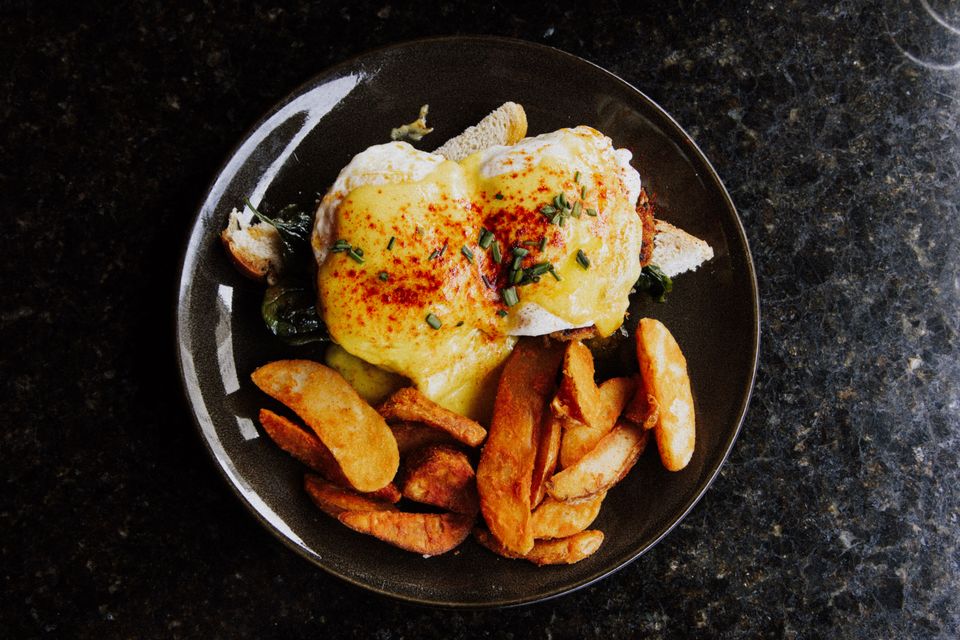
New bookingSat 7:00 PM · 2
Ideas by businessCafés & restaurants: menu, bookings, directionsShow your menu and prices, take bookings, and meet new guests through daily menu stories on search and Instagram.SOCKET KITS·Oct 13, 2026·4 steps
New consultation requestGrade 8 · weekday evening
Ideas by businessAcademies & tutors: timetable, consultations, study tipsKeep the timetable and consultation form in one place, and reach parents and students with study tips.SOCKET KITS·Oct 13, 2026·4 steps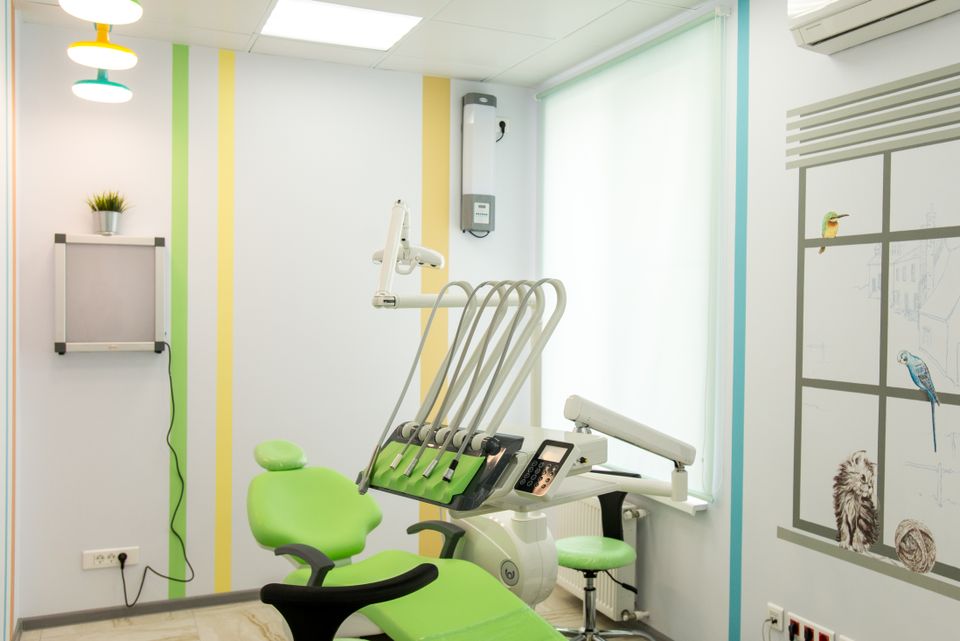
New bookingTrial class · Sat 11:00
Ideas by businessClinics, salons & studios: built around bookingsTake appointments, treatments and classes as bookings, and answer common questions with posts and card news.SOCKET KITS·Oct 13, 2026·4 stepsNew orderGift set · paid
Ideas by businessMakers & shops: products, orders, paymentsList products, take orders and get paid by bank transfer, card or PayPal. Share how things are made and how to choose.SOCKET KITS·Oct 13, 2026·4 steps
New inquiryQuote request
Ideas by businessCompanies & services: about, work, inquiriesExplain what you do, show your work and take inquiries. Regular expert posts bring people in from search.SOCKET KITS·Oct 13, 2026·4 steps No guides here yet.
New ideas by business, every day
One business at a time: how to build and run its website with SocketKits.
 Bedding shopLinen Bedding Store: From Orders to Card Payments in One GoOct 27, 2026
 Agricultural cooperativeAgricultural Corporation Website: Should Your Crops and Direct Market Come First?Oct 26, 2026
 Restaurant Franchise HQBuilding a K-Noodle Franchise Headquarters Website: Should Franchise Info and Startup Costs Come First?Oct 25, 2026
 AccommodationMonthly Stay Accommodation Website: Should Availability and Booking Inquiries Be Front and Center?Oct 24, 2026
 Indie BandDoes Your Indie Band Website Put New Releases and Tour Dates First?Oct 23, 2026
 Tattoo studioTattoo Studio Website: Should Fine Line Style and Deposit Info Be Front and Center?Oct 22, 2026
 Messaging API ServiceMessaging API Platform Website: Should Integration Inquiries and API Specs Come First?Oct 21, 2026
 Kids Coding AcademyKids Coding and Robotics Academy Website: Prioritize Schedules and Trial Class BookingsOct 20, 2026
 Dog Training SchoolHow to Build a Dog Training School Website: From Puppy Class Bookings to ConsultationsOct 19, 2026
 Women's clinicWhat First-Time Patients Look for Most on Women's Clinic WebsitesOct 18, 2026
 Flower shopFlower Atelier Website Builder: How to Accept Orders and Class Bookings OnlineOct 17, 2026
 Marketing agencyMarketing Agency Website: Should Services and Pricing Come First?Oct 15, 2026
Seen enough? Time to build yours
Describe what you do and we’ll show you a site that fits.