
Post to your Facebook Page too
Your daily card news goes to your Facebook Page too. Log in to connect each one — credits are used once per post.
SOCKET KITS·Oct 13, 2026·4 steps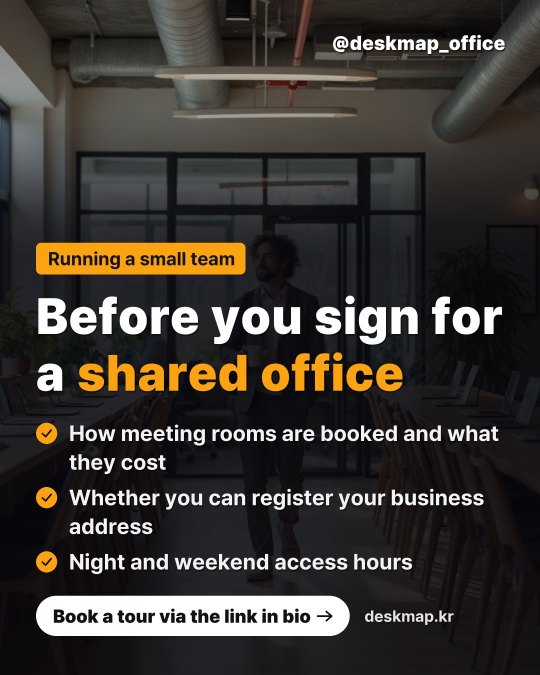

Why post to more places
People who don’t use Instagram see the same news on Facebook.
Links in Instagram captions can’t be tapped, but on Facebook your website address becomes a link that opens your site.
With daily posting on, new posts keep landing on your Page, so visitors can see you’re open and active.
The same card news goes everywhere — no extra work and no extra credits.
No Instagram? Connect just Facebook and posts still go out every day.
Connect your Facebook Page
In My page > [Instagram posts], pick your website, then in the [Also post to your Facebook Page] box tap [Log in with Facebook] and allow access. If you manage more than one Page, choose where to post and tap [Use this Page]. Facebook doesn’t let apps post to personal profiles, so posts go to your Page.
No Page yet? Create one on Facebook first, then connect.
One post goes to every connected place
Your daily settings (Post automatically or Review first) stay the same. At your time, or when you tap [Post], the same card news goes to every connected place. It uses 10 credits, once per post.
Each post is adjusted: Facebook gets the caption, your address and hashtags. Instagram-only phrases like “link in bio” become “link below”.
Check the result for each
Under [Posted to] you’ll see the result for each place — open them with [View on Facebook]. If one place fails the others still post, and if all fail your credits come back.
It stays connected
Facebook Page connections don’t expire. If one ever drops, you’ll get a notification — just log in to connect again. To stop, tap [Disconnect].
Instagram card news is available on a paid plan. Posts are on your own accounts, so you can delete them in each app any time.
Related guides
 Blog & socialSet up daily card newsPick a time and how to post — a card, a caption and five hashtags are made and posted each day. Try a preview first.SOCKET KITS·Oct 13, 2026·4 steps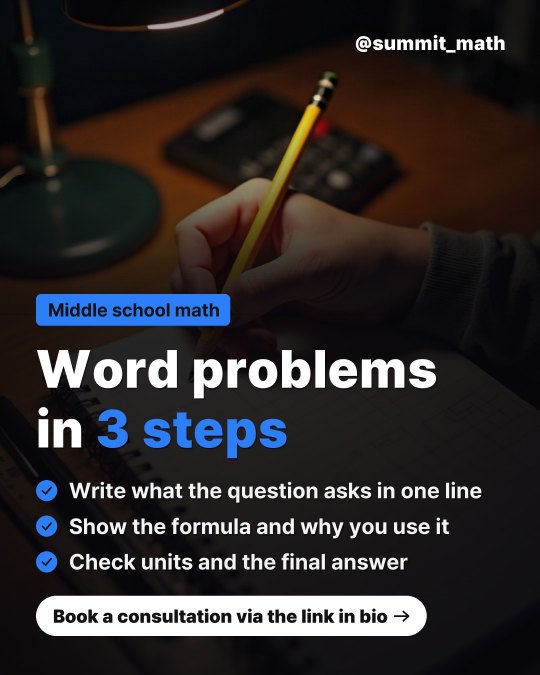
 Blog & socialConnect your Instagram accountConnect an Instagram professional account (Business or Creator) by logging in. Once connected, it stays connected.SOCKET KITS·Oct 13, 2026·4 stepsBilling & creditsTop up Instagram credits (once or monthly)10 credits per post. Top up once when you need it, or monthly so daily posting never stops.SOCKET KITS·Oct 13, 2026·4 steps