
Your AI staff posts
card news every day
One bold card with a real photo that fits the topic, a caption and five hashtags — made from your website and popular accounts in your industry, posted to your Instagram at the time you choose.
On paid plansBusiness or Creator accounts10 credits a postAlso on Facebook

planova_homeSmall living room feeling cramped? Rearrange before you replace — tall pieces, the rug and the lighting make the difference. See our projects via the link in bio. #interiordesign #livingroom #smallspaces #homestyling #planova
Connect once — then this happens every day
No more wondering what to post — topics come from your own website.
Log in once with your professional account. The connection renews itself.
We find what performs well for popular accounts in your industry and match it to your menu, services and news. Add a direction and it follows it.
A real photo that fits the topic, a big title, three key points and a call to action — with your site address and five hashtags at the end of the caption.
Posted automatically or after you review it — and you get a notification.
Posted to your Facebook Page too
Log in to connect each one and the same card news goes to every connected place. Credits are used once per post.
People who don’t use Instagram see the same news on Facebook.
Links in Instagram captions can’t be tapped, but on Facebook your website address becomes a link that opens your site.
With daily posting on, new posts keep landing on your Page, so visitors can see you’re open and active.
The same card news goes everywhere — no extra work and no extra credits.
No Instagram? Connect just Facebook and posts still go out every day.
Everything on one card
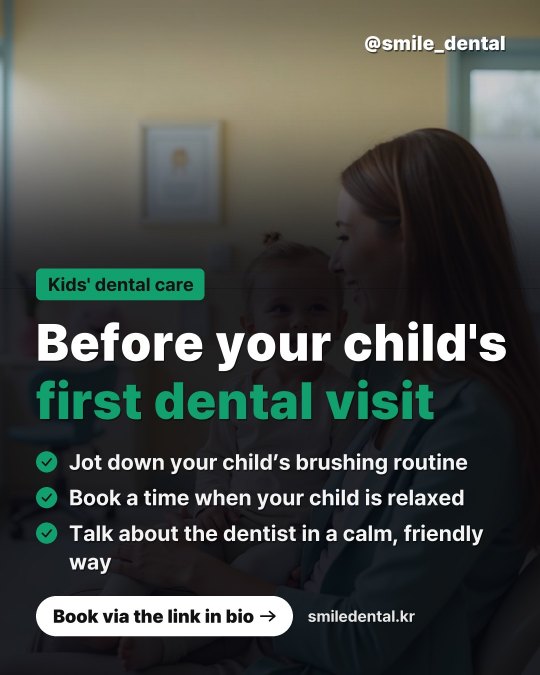
These are real examples made by the card news maker.


Made to stop the scroll
A real photo that fits the topic fills the card, with a huge title and your brand color as the accent. A new photo every time.
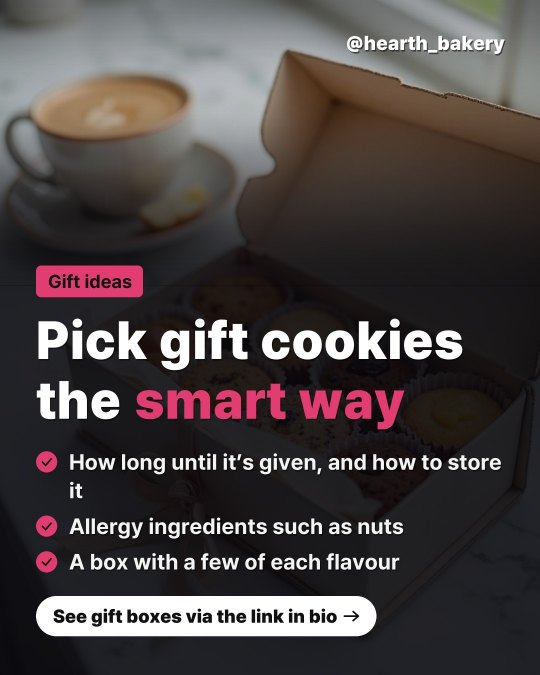
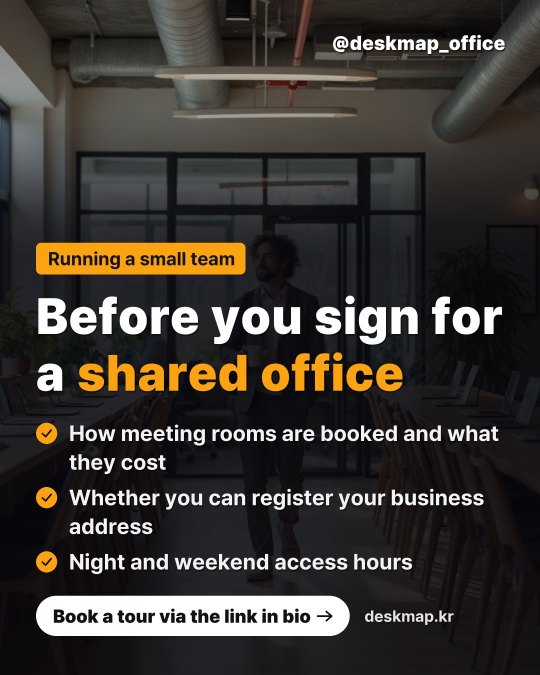
Big type · full-bleed photo · 1 cardAccented in your site colorA real photo that fits the topic4:5 portrait · 1080×1350
Two ways to post
Switch any time.
Post automatically
Made and posted at your time. It keeps going without you lifting a finger.
Review first
We let you know when it’s ready. Credits are used only when you tap [Post].
Instagram credits, as you need them
10 credits per post. Top up once or automatically every month.
One-time top-up
Pay once, when you need it
- Enough for 30 posts (10 credits each)
- Credits never expire
- Kept separate from AI credits
Monthly auto top-up
Charged on the same day each month, credits added automatically · cancel anytime
- Credits arrive every month, so daily posting never stops
- Credits never expire
- Cancel auto top-up · any time
Card news uses credits when it is made (refunded if it fails) · Card in KRW via PayApp, other currencies via PayPal · Card numbers are never stored
What businesses post
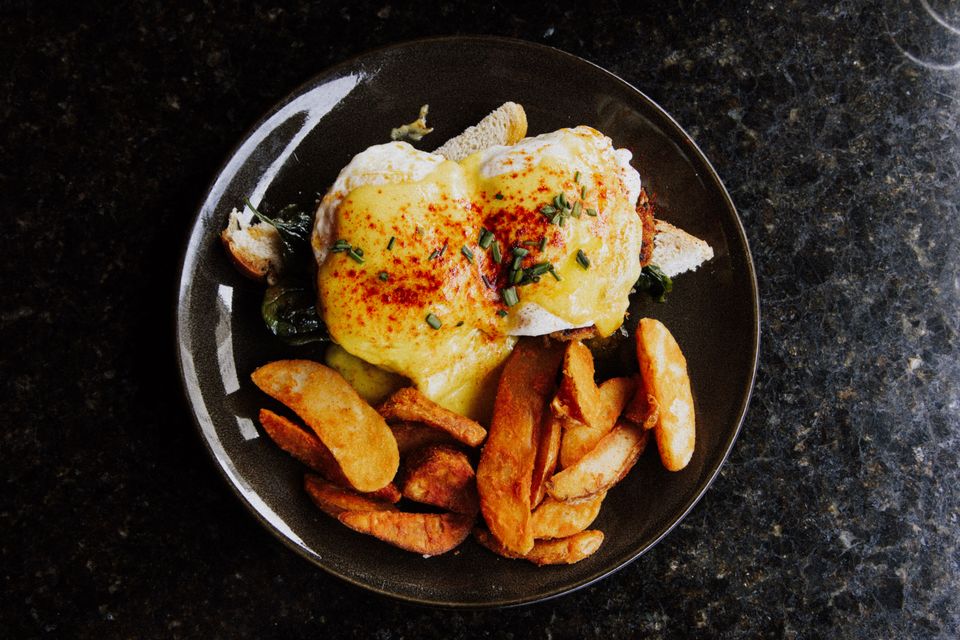
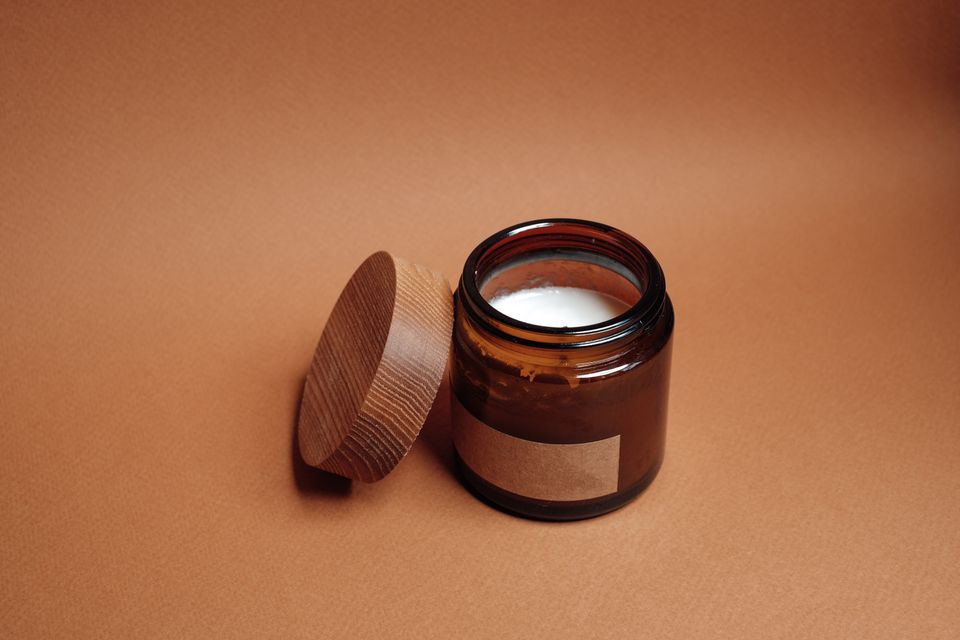
Topic examples — real topics come from your own website.
- New this week
- How to pick beans
- Weekend bookings

- Two weeks before the test
- Practising written answers
- Booking a consultation

- Before your first visit
- Three care tips
- Book a trial class
- Choosing a gift
- New arrivals
- Making it last
Questions
Which Instagram accounts can I connect?
Professional accounts (Business or Creator). Switch a personal account in the Instagram app under Settings > Account type.
Can it post to Facebook Page too?
Yes. Log in to connect each one and the same card news is posted there too. Facebook posts go to a Page you manage. Credits are used once per post.
Who can use it?
Members on a paid plan. Sites made on Free can use it after starting a plan.
What is the card news based on?
Your website’s menu, services and news. Add a [Topics or direction] note and it follows that. Each card gets a real photo made fresh to fit that day’s topic.
When are credits used?
Each card news uses 10 credits when it is made. Posting it doesn’t use more. If making or posting fails, the credits come back.
What if I run out of credits?
That day is skipped and you get a notification. Top up and posting resumes the next day.
Do I have to post every day?
No. Switch off [Make one every day] to pause, and make and post previews only when you want.
Which languages?
Your website’s language — Korean, English or Japanese.
Instagram guides
All guides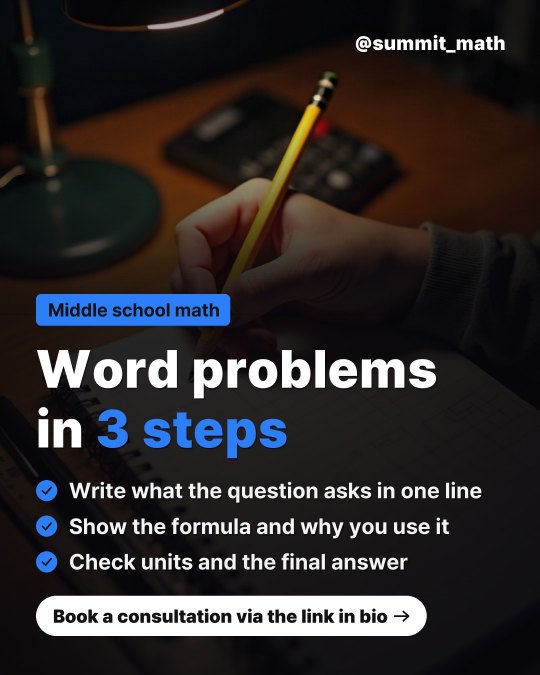 Blog & socialConnect your Instagram accountConnect an Instagram professional account (Business or Creator) by logging in. Once connected, it stays connected.SOCKET KITS·Oct 13, 2026·4 steps
 Blog & socialSet up daily card newsPick a time and how to post — a card, a caption and five hashtags are made and posted each day. Try a preview first.SOCKET KITS·Oct 13, 2026·4 stepsBilling & creditsTop up Instagram credits (once or monthly)10 credits per post. Top up once when you need it, or monthly so daily posting never stops.SOCKET KITS·Oct 13, 2026·4 steps
Hand over your card news today
Make a preview first, then connect and post when you like it.