



Just shoot it on your phone.
AI makes the product page.
Messy background? Not a photographer? That’s fine. From a few phone photos, AI creates concept shots, writes the copy and draws your product page.
On paid plansPay with credits per useText never breaks
Phone photos, transformed
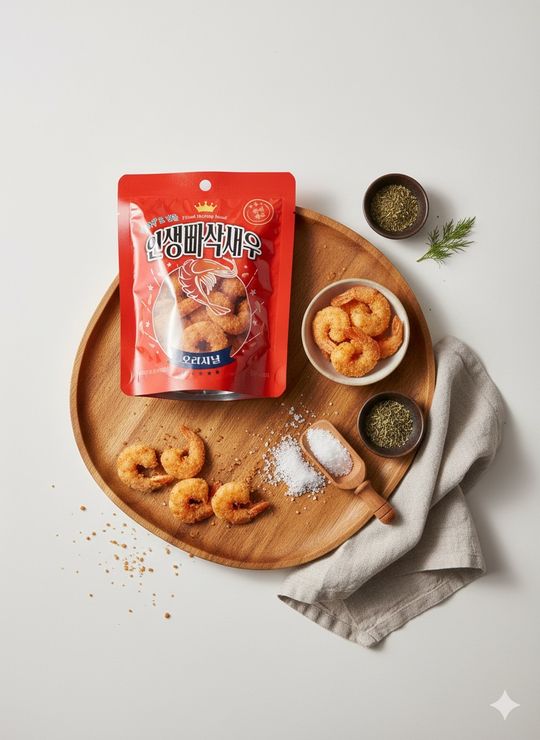
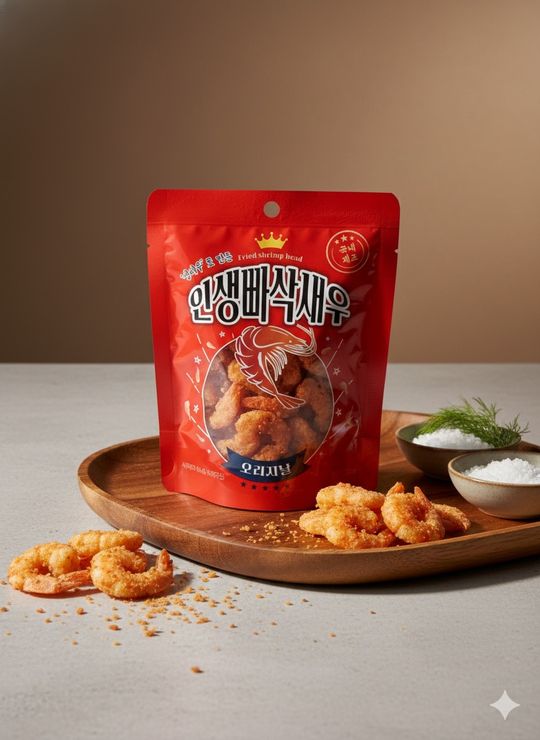
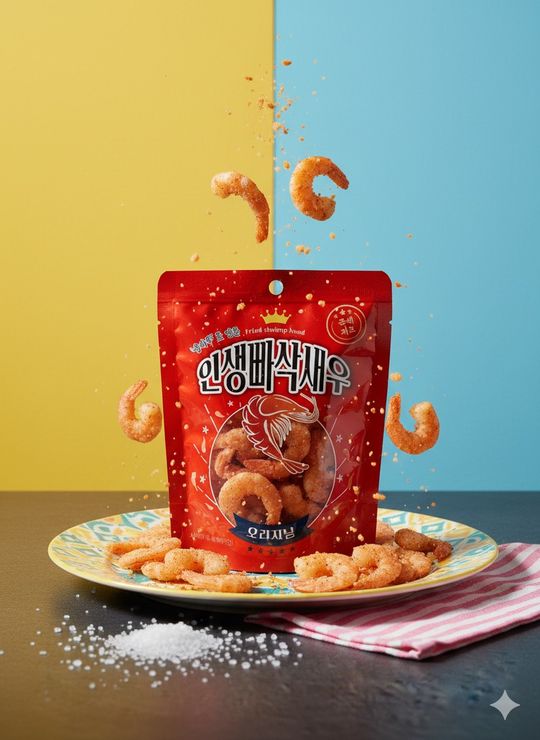
Real phone photos of products, turned into AI concept shots. The product stays the same; only background, light and props change.
Phone photo
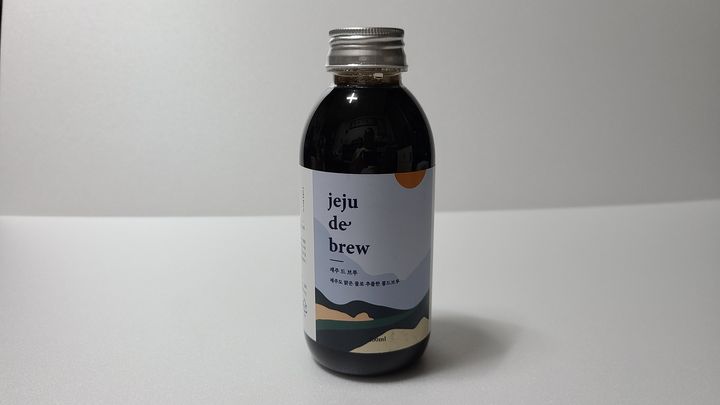
AI concept shotCafé table
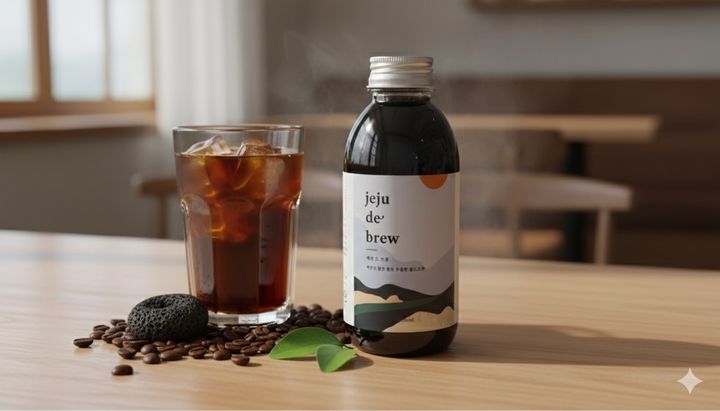
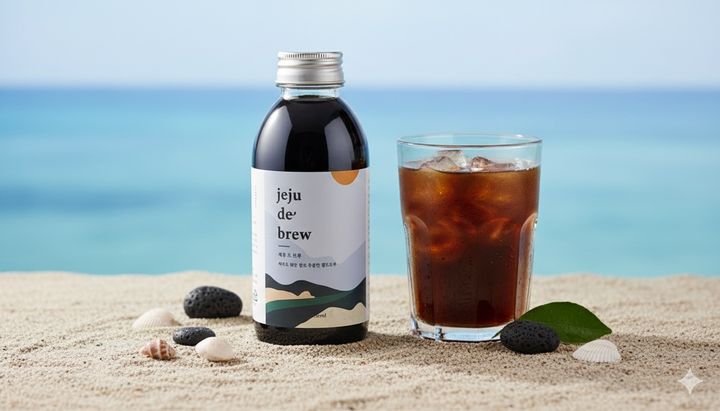
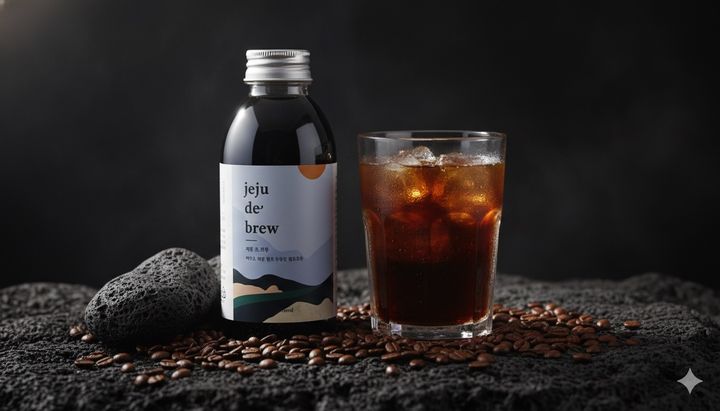
Phone photo
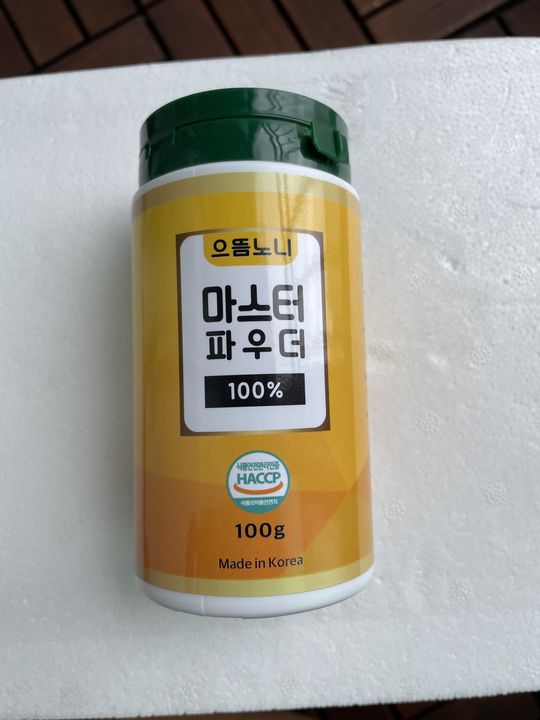
AI concept shotKitchen · spices
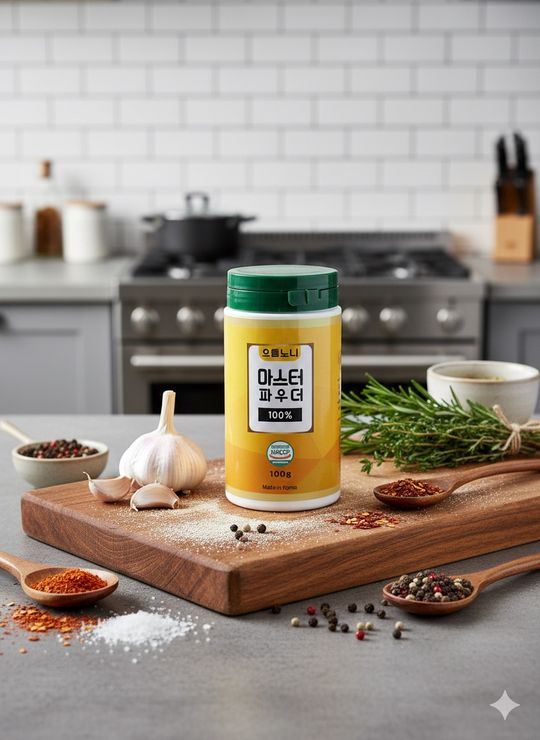
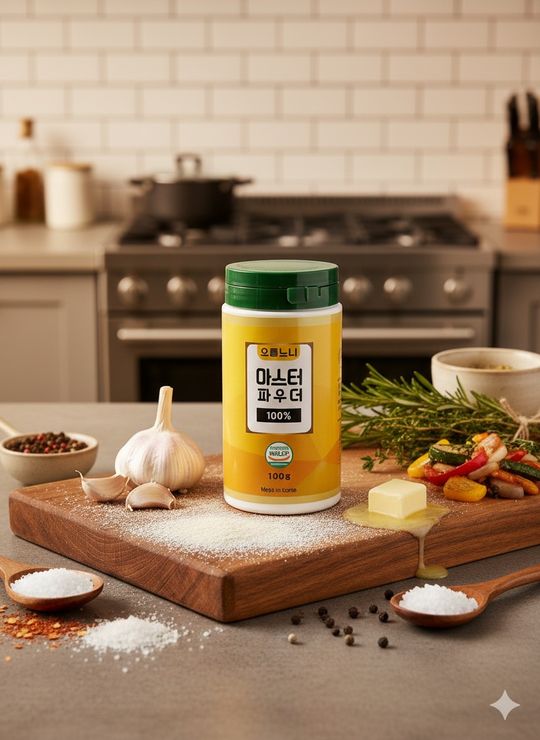
Phone photo
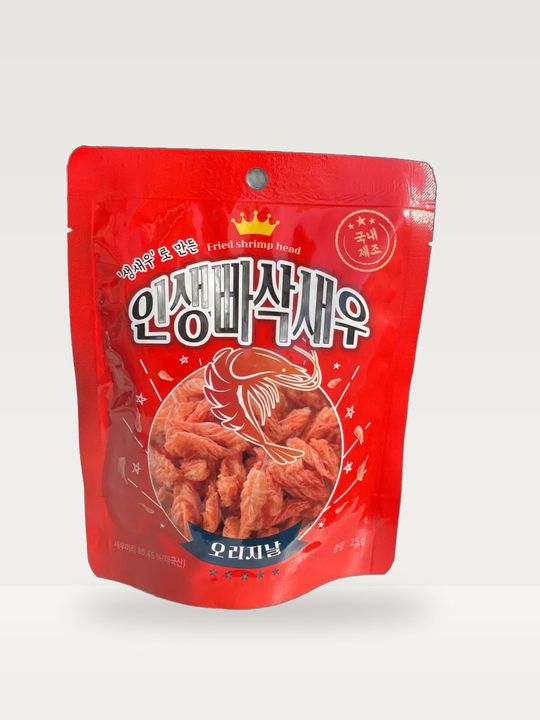
AI concept shotWood plate
These photos become this page
Pages actually drawn from the photos above, laid out in a selling order. Tap a section name to jump to it.

- Hero
- Pain points
- Key intro
- Benefits
- How to use
- Details
- Closing
Why product pages get put off
At home, photos come out dark and cluttered.
You don’t know what to write, from the very first line.
Learning design tools or hiring someone takes time and money.
Now a few phone photos are all it takes
Press once, and this is what happens
You can watch each step, and it usually takes a few minutes.
Finds the shape, color and label
3–5 shots: hero, texture, lifestyle
Only your facts, in a selling order
Drawn with real fonts, so text never breaks
Pick the design, too
The same product page in each colour set. Pick one of the 7 when you create it.
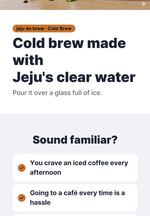
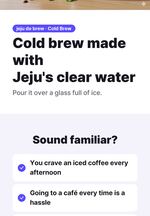
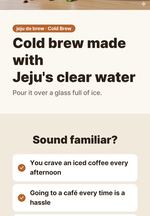
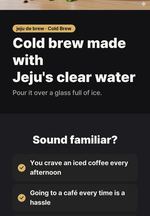
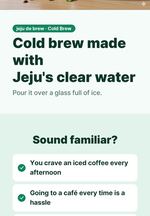
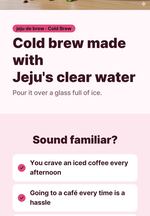
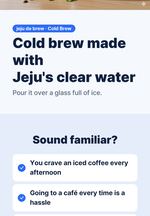
Text, photos and order stay the same — only the background and accent colours change. You can switch colours later without credits.
Made so you can trust it
When AI draws letters inside a photo they often come out smeared or wrong. So AI makes only the photos, and titles, copy and tables are drawn on top with real fonts on our server.
Shape, color and label print are kept; only background, light and props change.
No invented numbers, reviews, certifications, rankings or discount claims.
Short lines, big titles and generous spacing that read top to bottom.
After it is made, switch between 7 color sets. No credits are used.
What you get
Split to the size each store expects. Upload them from the top, in order.
Credits
25 credits per concept shot and 50 credits for the layout and copy. With 3 shots it is 125 credits.
- You see the estimate and your balance before starting
- Steps that fail are not charged
- Changing colors, downloading and adding to your site use no credits
Works well for
Any product you make or sell.
- Creams, serums, cleansers
- Nail and hair products
- Granola, homemade jam
- Sauces, tea, drinks
- Boards, knives, bowls
- Bedding and fabrics
- Bags, wallets, accessories
- Handmade crafts
Questions
What photos should I upload?
1–20 phone photos of the product. Every photo goes into the page, and up to 5 become concept shots. Several angles give more variety. Messy backgrounds are fine.
Will my product change?
Shape, color and label print are kept; only background, light and props change. You can remake just one photo if you do not like it.
Will the text break?
No. AI makes only the photos; titles, copy and tables are drawn with real fonts on our server.
How is the copy written?
Only the facts you give are used. No invented numbers, reviews, certifications, rankings or discounts. A reference page is used for section order only, never its text, photos or brand.
What sizes do I get?
JPGs 860px wide for Smart Store and 780px wide for Coupang, as a ZIP or one by one.
Can I add it to my website?
Yes. Pick a product on your website and the images appear under its description. You can remove them the same way.
How many credits does it use?
Concept shots use AI credits per photo, and layout and copy by actual usage. You see the estimate and your balance before starting, and failed steps are not charged.
Who can use it?
Members on a paid plan, from My Page > AI product pages.
Hand over your next product page
Start with a few phone photos.