


Boost Your E-Commerce Conversion Rate with AI Detail Pages Using Just a Few Photos
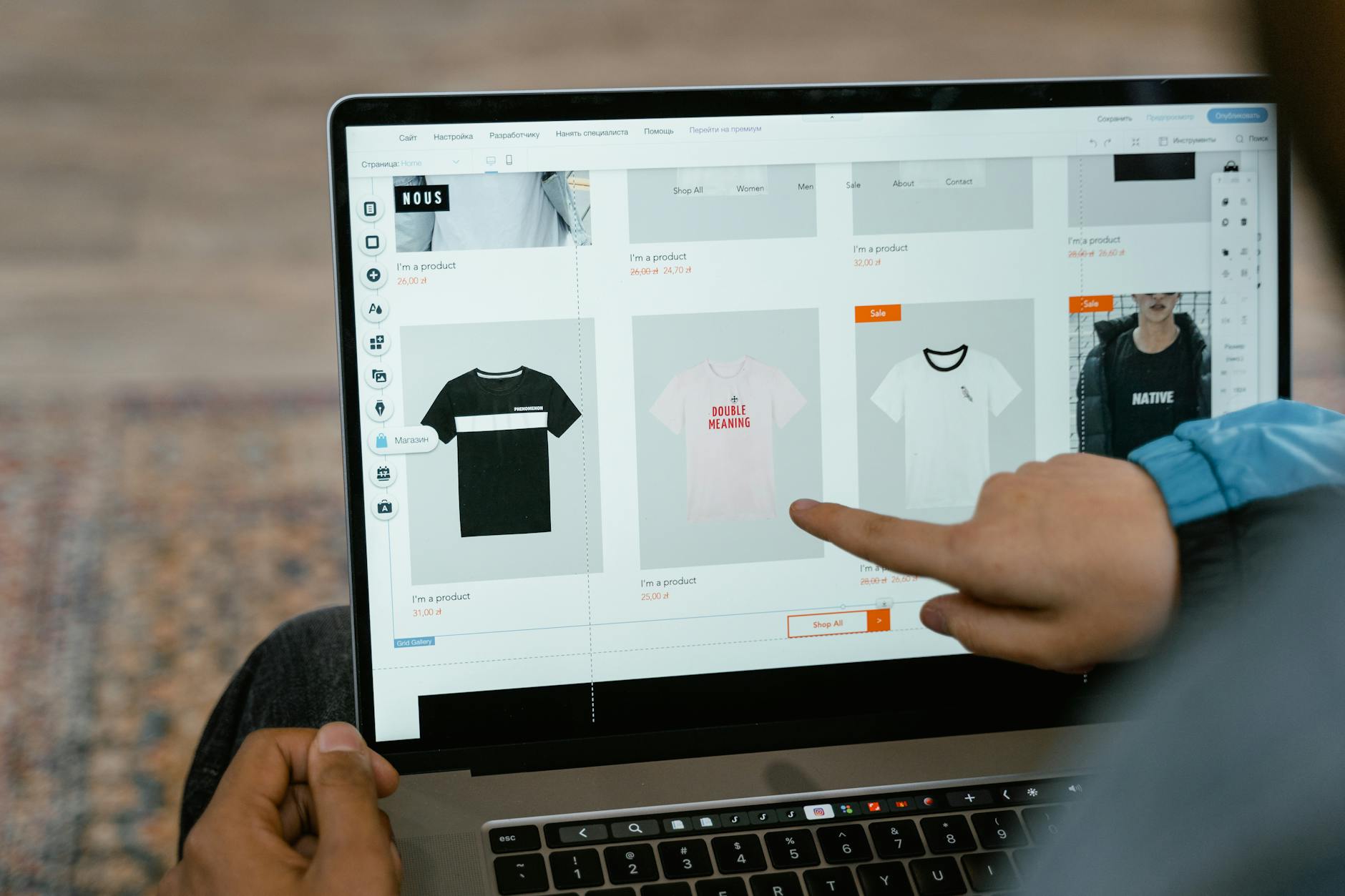
Photo: MART PRODUCTION · Pexels
When launching an online store and listing products, crafting product detail pages is easily one of the most time-consuming and tedious tasks. You likely know the frustration of spending hours crafting clever copy and arranging images neatly, only to watch visitors scroll down and bounce away. Leveraging an AI detail page creation workflow allows you to easily put together a compelling layout that captures customer attention and guides them naturally toward a purchase using just a few product photos.
Key Terms
- Conversion Rate: The percentage of total visitors to your online store who actually end up purchasing an item.
- Scroll Bounce: The phenomenon where visitors leave the page halfway through instead of reading to the end.
- AI Detail Page: A page where artificial intelligence analyzes product photos and basic info to automatically generate copy and design layouts.

Designing the Above-the-Fold Section That Stops the Scroll
The very top of a detail page is the critical zone where visitors decide whether to stay or leave. Instead of long explanations, it needs a large photo showing the product's core appeal at a glance alongside intuitive copy. When using an AI detail page tool, the trick is to upload your product photos, place the image with the most engaging angle first, and add a single headline summarizing the pain point the product solves. A layout with plenty of whitespace captures attention much longer than an overly cluttered design.
The Detail Page Flow That Proves Product Value
Once you capture interest at the top, you need to detail the product specifications and use cases. People read detail pages because they want to confirm what they stand to gain by buying the item. Arranging your content in the following order naturally sways hesitant shoppers:
- Problem and Empathy: Highlight the everyday annoyances your customers experience.
- Solution Presentation: Show why your product resolves this issue.
- Specs and Applications: Clearly outline dimensions, materials, and usage methods alongside photos.
- Trust Factors: Include authentic customer reviews or certifications to remove hesitation.
Without the help of a designer or copywriter, utilizing the AI detail page function fills in layouts and descriptions matching this exact flow using just a few product photos, cutting down your workload significantly.
The Final Closing Strategy to Drive Clicks on the Buy Button
The bottom of the page requires elements that push hesitant shoppers to make a decision. Shipping details, exchange and refund policies, and the reasons or benefits of buying right now must be clearly organized so that shoppers who added items to their cart complete the checkout. Since excessively long blocks of text cause reading fatigue, presenting information in concise tables or lists works best.
| Section | Core Content | Goal |
|---|---|---|
| Top Opening | Hero photo and one-liner copy | Prevent bouncing |
| Middle Body | Usage guide and specs | Deliver value |
| Bottom Closing | Shipping info and checkout prompt | Drive conversion |
Even without design software or coding knowledge, creating an environment where you can focus entirely on selling is crucial. If you want to polish necessary content on the fly without complex editing steps, we recommend establishing a solid store foundation via AI website builder solutions.
FAQ
Can I really make a high-quality detail page with just product photos?
Yes. By inputting product photos and basic features, the AI automatically populates matching layouts and descriptive copy, yielding results ready for immediate use even without design experience.
Can I manually edit the copy or design of the completed detail page?
Yes. You can click on any part of the automatically generated screen to make requests via chat or edit directly in the dashboard, allowing you to tailor everything to your brand.
Put it into practice
Describe what you need and your website is ready in minutes, with blog marketing running every day.