

AI Video Ads: How to Promote Your Store with Just a Few Short Ideas

Photo: Anna Shvets · Pexels
By simply typing a line or two of your story or idea, you can effortlessly create AI video ads and short films tailored for store promotion. It is now possible for busy small business owners and solo entrepreneurs to craft stylish promotional materials without any video editing skills.
Glossary of Terms
- AI Video Ad: A marketing video generated automatically by artificial intelligence, covering everything from the storyline and characters to the background music.
- Short-form Drama: Short video content lasting one to three minutes, maintaining a continuous narrative based on a brief plot outline.
- Prompt: Specific command and idea text entered into artificial intelligence to get the desired result.
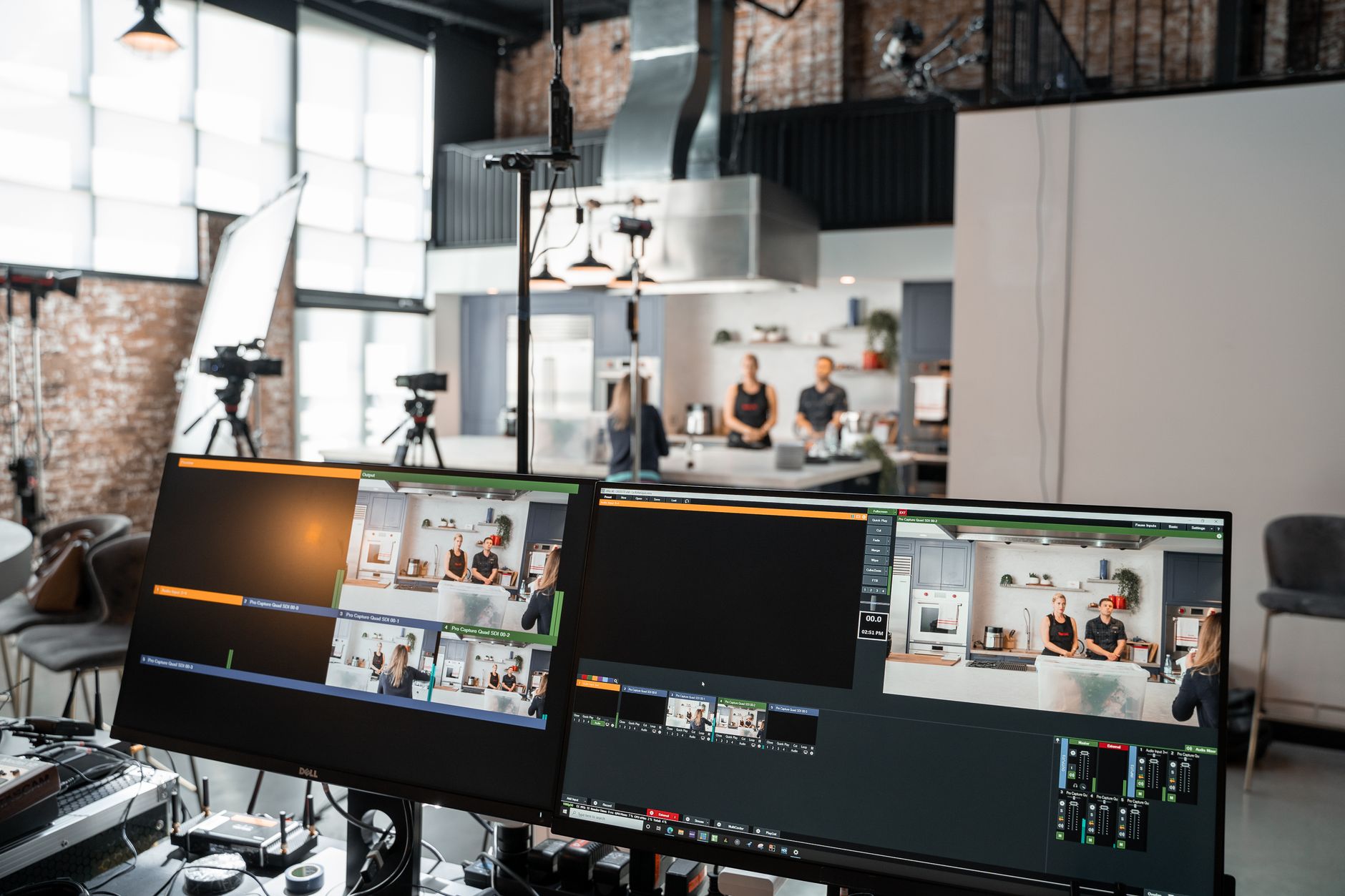
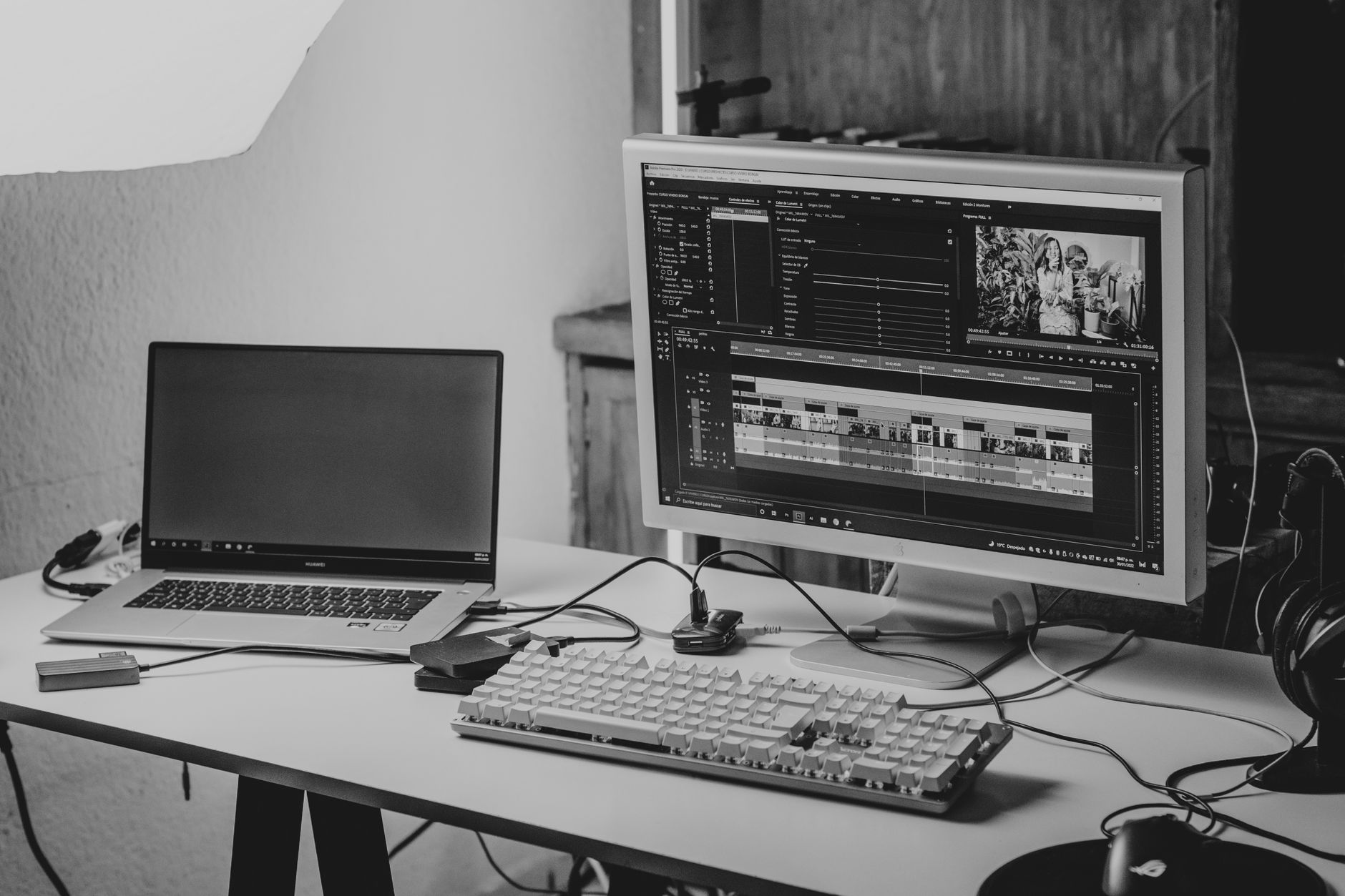
Modern consumers encounter store information through videos rather than text. Showcasing your store's atmosphere visually on short-form platforms like Instagram Reels or YouTube Shorts is the quickest way to drive reservations and foot traffic. However, shooting and editing with a camera yourself requires not only equipment and software, but also a significant amount of time.
Why Store Promotion Videos Are Essential
Many business owners find the cost of outsourcing burdensome and the prospect of DIY editing daunting. Utilizing AI-based creation tools allows you to save significantly on time and expenses while achieving high-quality results.
Steps to Create a Video with a Couple of Lines of Ideas
The production process is simpler than you might think. Without complex timeline editing, you can establish the overall flow simply by entering text.
- Outline the unique features of your store or the core message you want to convey in one or two sentences.
- Review the scenario, characters, and location settings suggested by the artificial intelligence.
- Check the preview to ensure it matches your desired mood and apply any necessary revisions.
- Complete the final high-definition video and save it to your phone or PC.
Common Mistakes and Solutions in Production
The most common mistake when first making AI video ads is trying to pack too much content into one piece. Cramming excessive information into a brief timeframe around one minute actually diminishes viewer engagement.
It is much more effective to clearly communicate a single core message. For instance, crafting a script that emphasizes just one advantage—such as the visual appeal of a new menu item or a unique interior design point—tends to generate a much stronger response.
How to Use Completed Videos for Marketing
To maximize effectiveness, a well-made video should be utilized across your website, blog, and social media channels. Placing the video on the main screen of your homepage, built via the AI website builder function, naturally increases visitor dwell time.
Additionally, linking short-form videos with daily automated blog posts helps drive search traffic and improves conversion rates, leading to practical inquiries and bookings. You can explore more diverse application methods in detail on the Short Films and Video Ads page.
If you want to create videos that capture your brand's personality while sparing yourself the trouble of manual editing, start utilizing the relevant tools today to complete your first promotional piece.
FAQ
Do I need professional editing skills to make a video?
Not at all. By typing your story or ideas as text, the artificial intelligence automatically configures the script and scenes so anyone can easily create them.
Where can I use the completed videos?
You can utilize them wherever store promotion is needed, such as your main website, blog posts, and short-form channels like Instagram Reels or YouTube Shorts.
Put it into practice
Describe what you need and your website is ready in minutes, with blog marketing running every day.